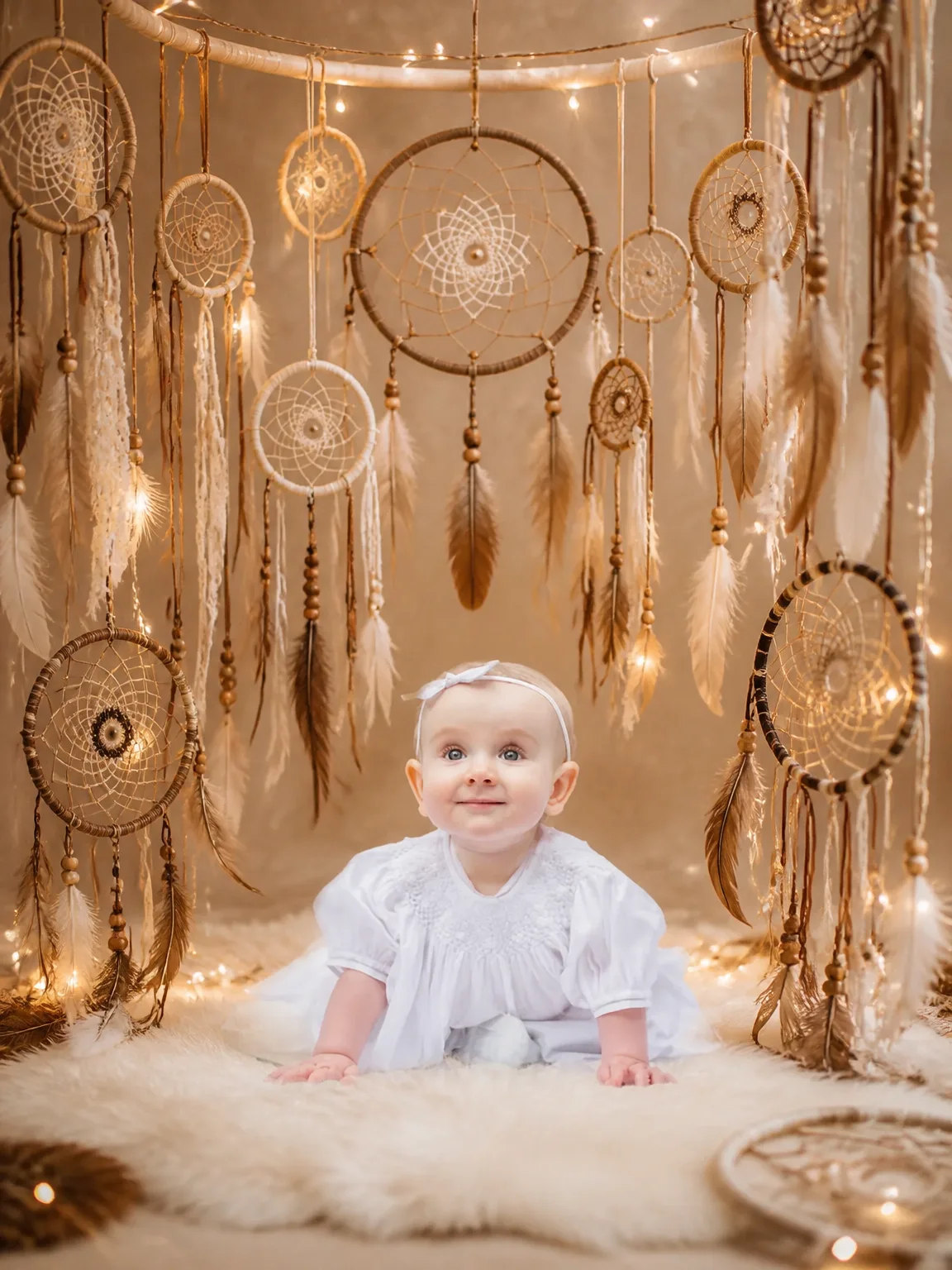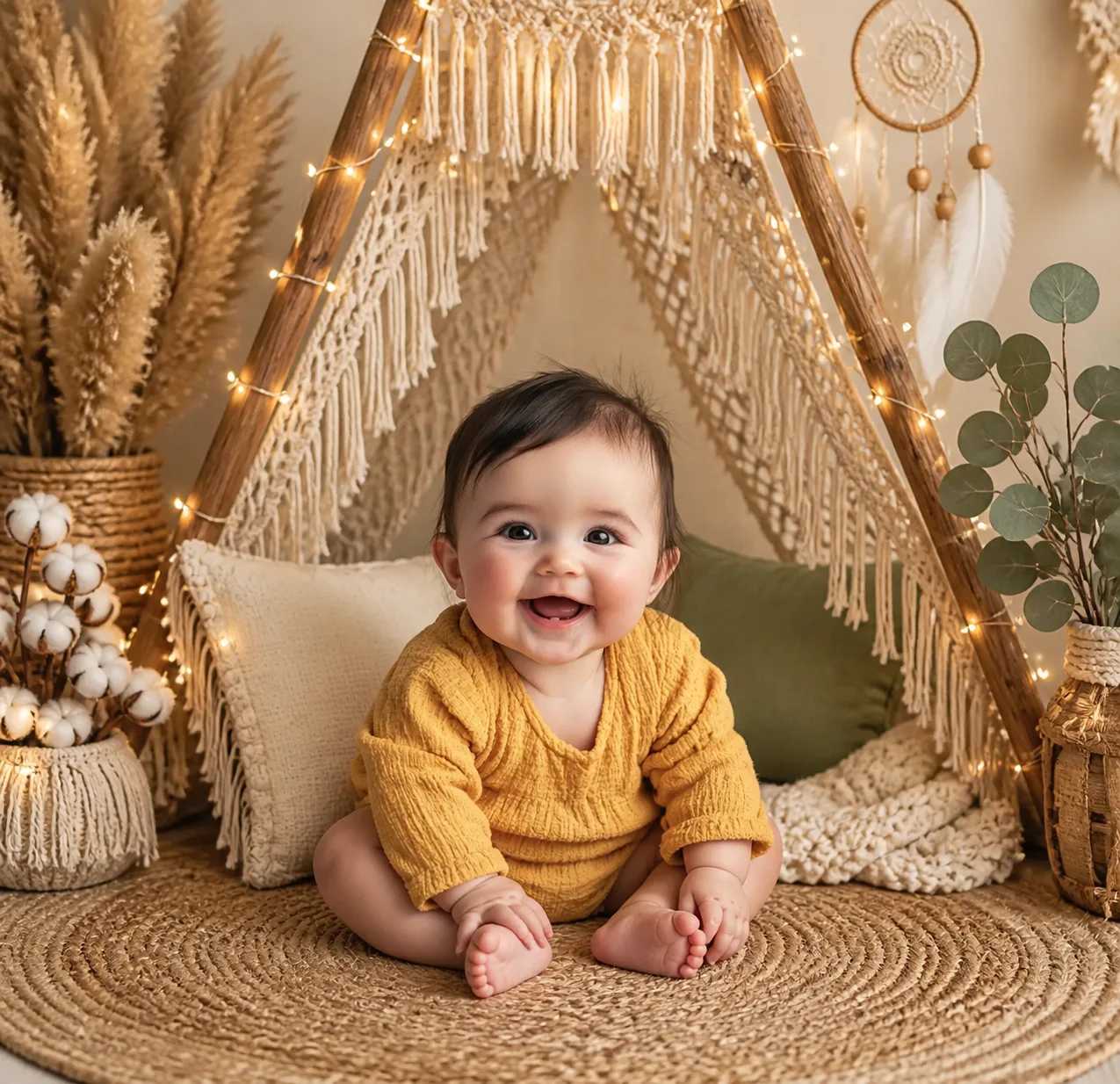
Sample result. Images are AI-generated from the photo you upload.
Boho theme
Boho — Macramé Teepee baby photoshoot
Wooden poles wrapped in warm fairy lights form a teepee, and cream macramé fringe hangs down from the top on both sides. Your baby sits at the entrance on a round jute rug in a mustard-yellow textured romper, toes curled, with a fringed cream cushion and an olive one behind. Tall pampas grass in a basket, a jar of cotton stems, a feathered dream catcher and a vase of eucalyptus complete the corner. Every colour is earthy: sand, mustard, olive and off-white, lit softly from the tiny bulbs.
Homes decorated in natural tones will find this portrait fits straight onto the wall. It suits a nursery gallery frame, a relaxed birth-month update, or an invitation for a boho-themed birthday or baby naming get-together. Printed on matte paper, the warm palette makes a thoughtful present for an aunt or grandmother.
- Good for
- Nursery wall art and boho celebrations
- The photo to use
- Go for one clear photo where your baby looks straight at the camera with a happy face. Warm, soft light without flash works well, since this scene glows gently and harsh highlights on the skin would stand out.


First photoshoot free. Plans available in the app.
How to make this photo
Step 1
Upload one photo
Open the app and add one clear photo of your baby’s face.
Step 2
Choose Boho — Macramé Teepee
Find it in the Boho category and tap it.
Step 3
Save your portrait
It is ready in about 30 seconds. Download it and share it.
More Boho looks
- Boho — Desert Sunset
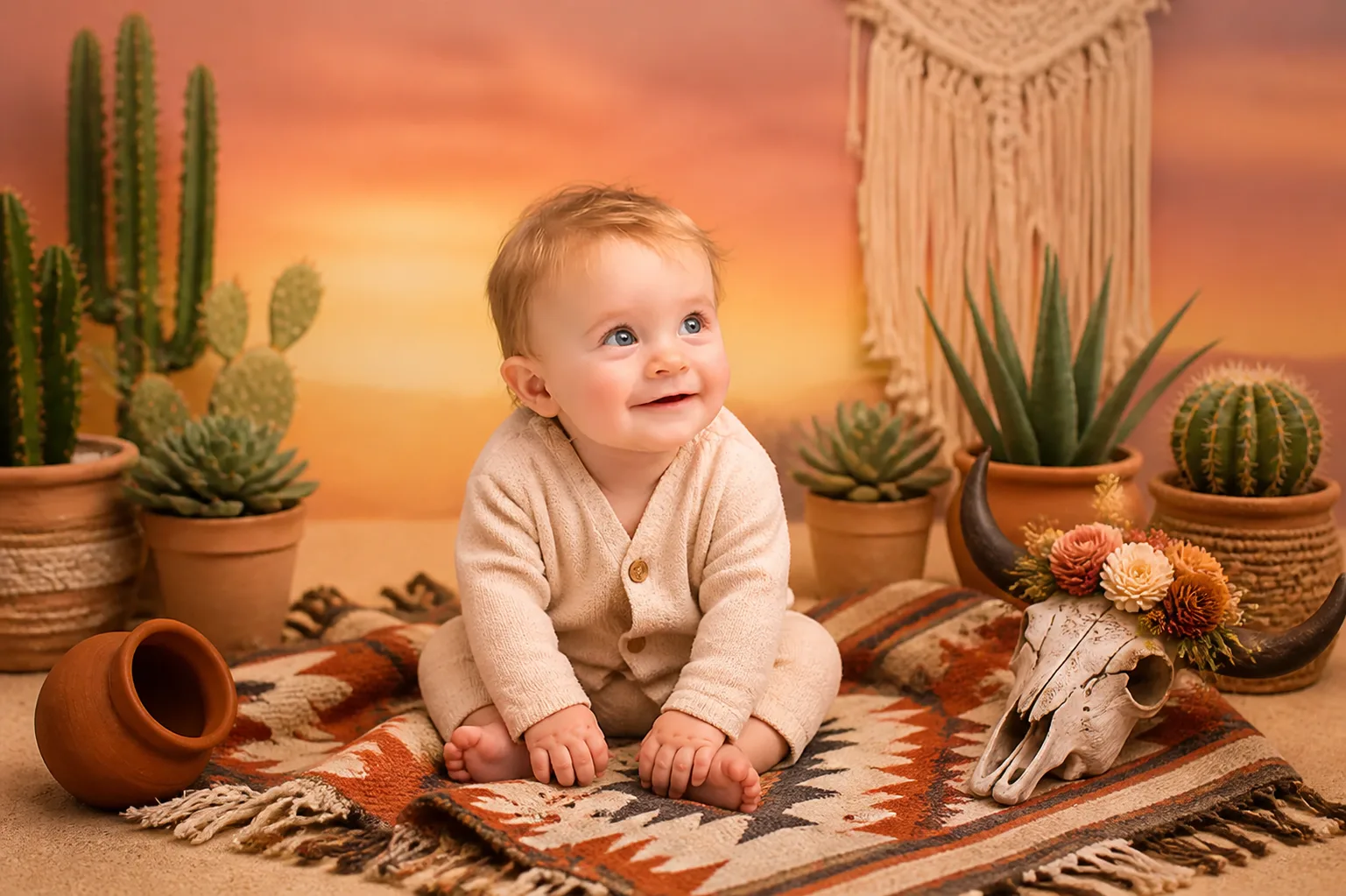
- Boho — Pampas Grass Arch
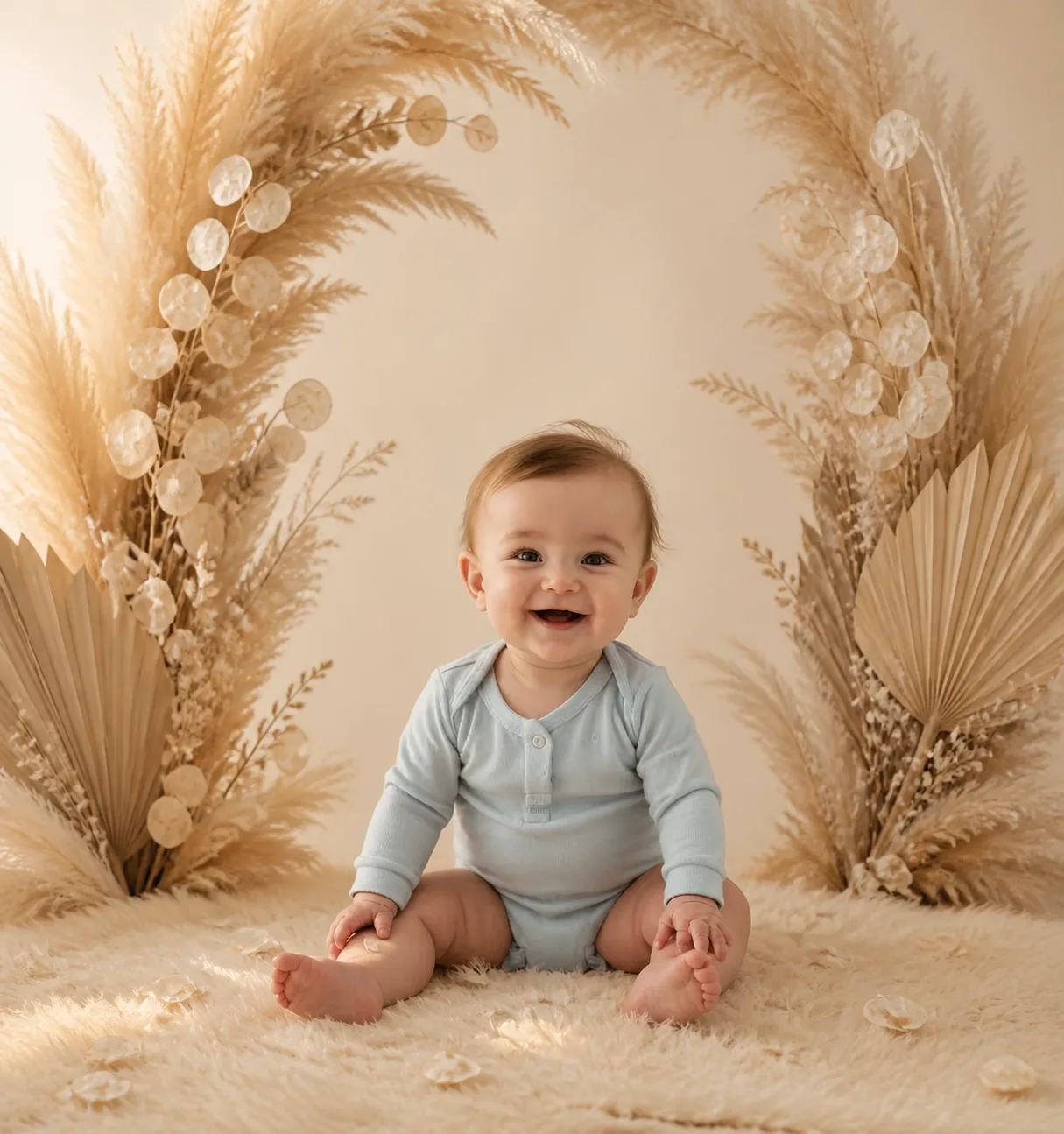
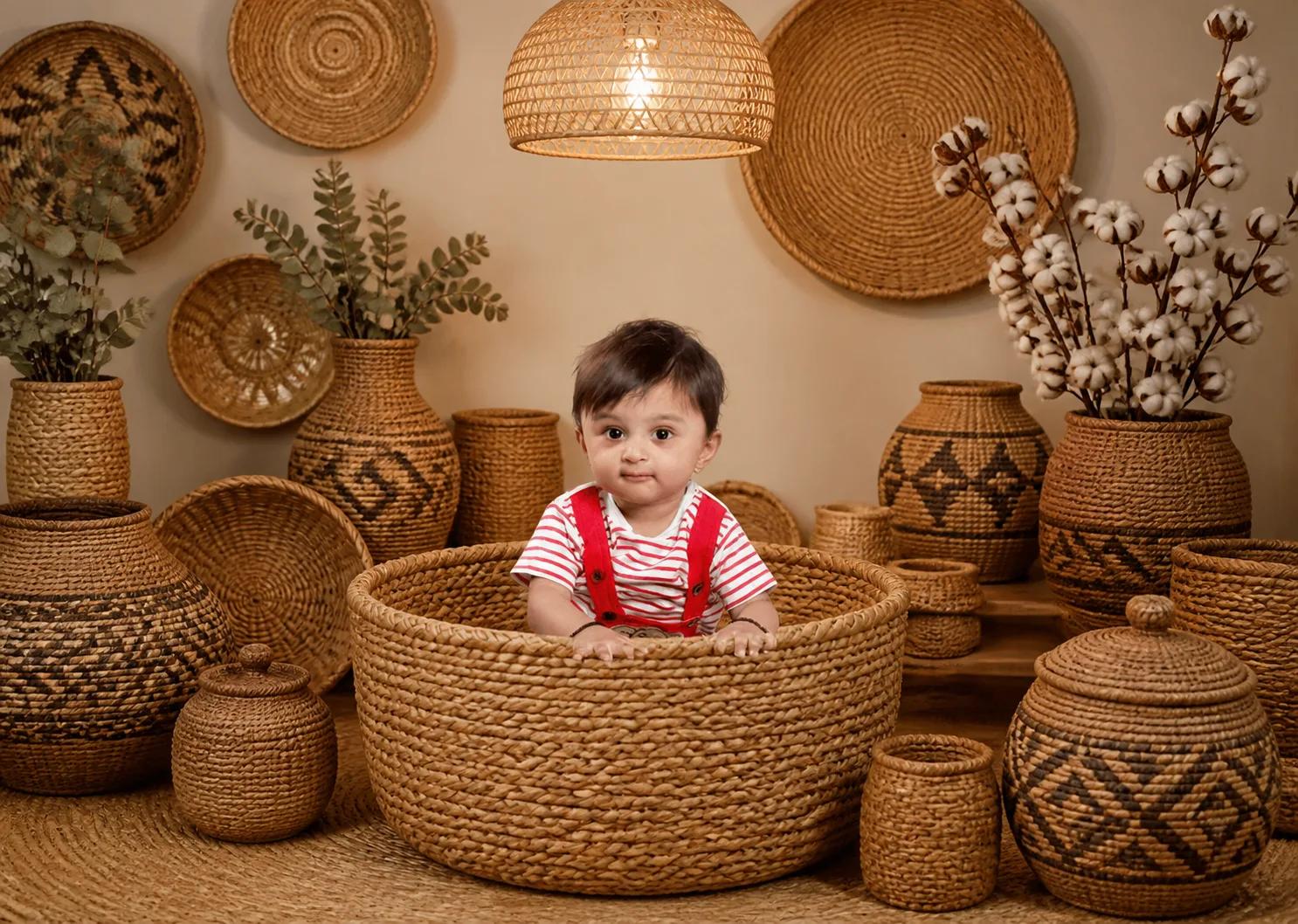
- Boho — Woven Basket Collection
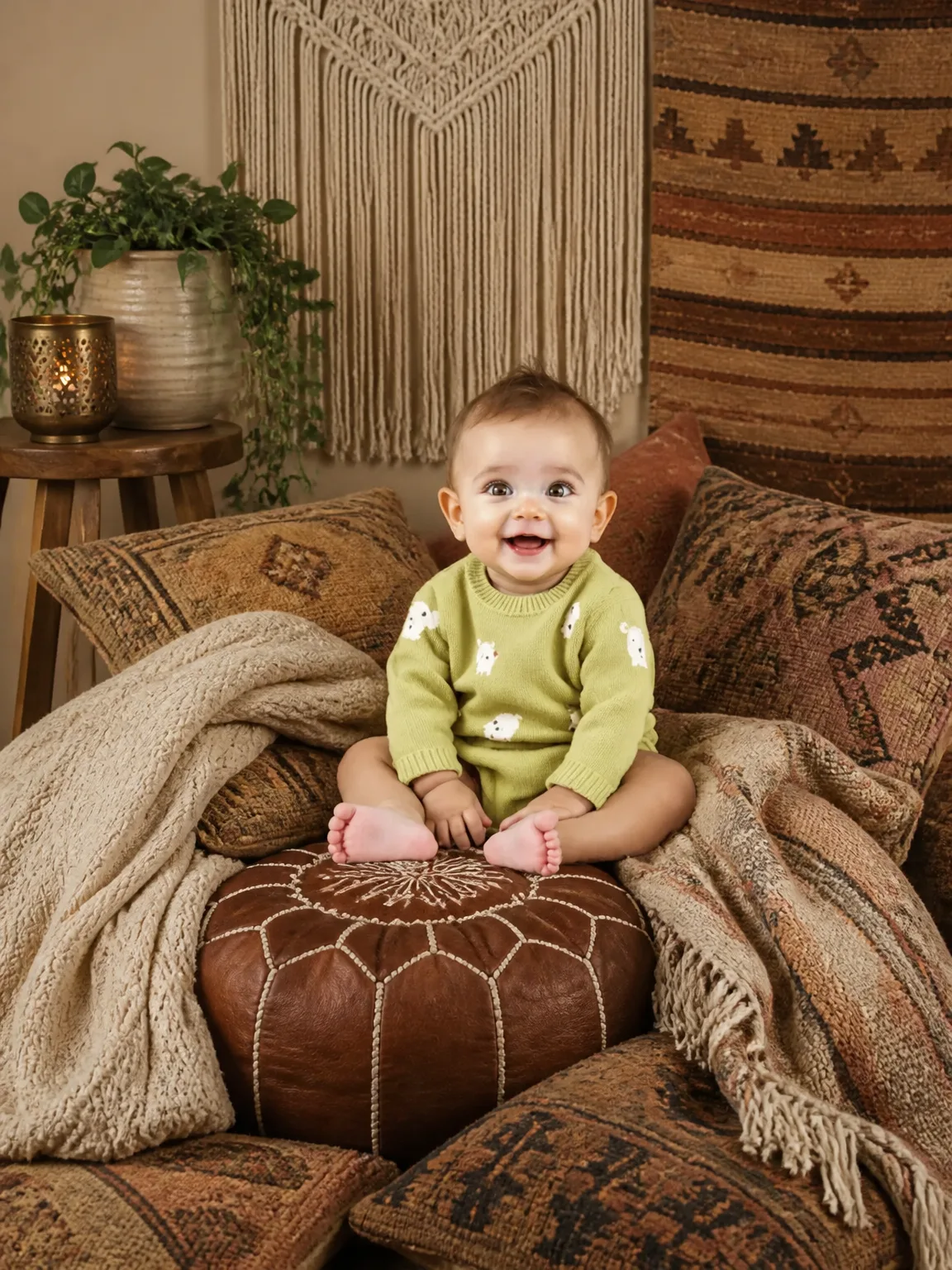
- Boho — Floor Cushion Lounge
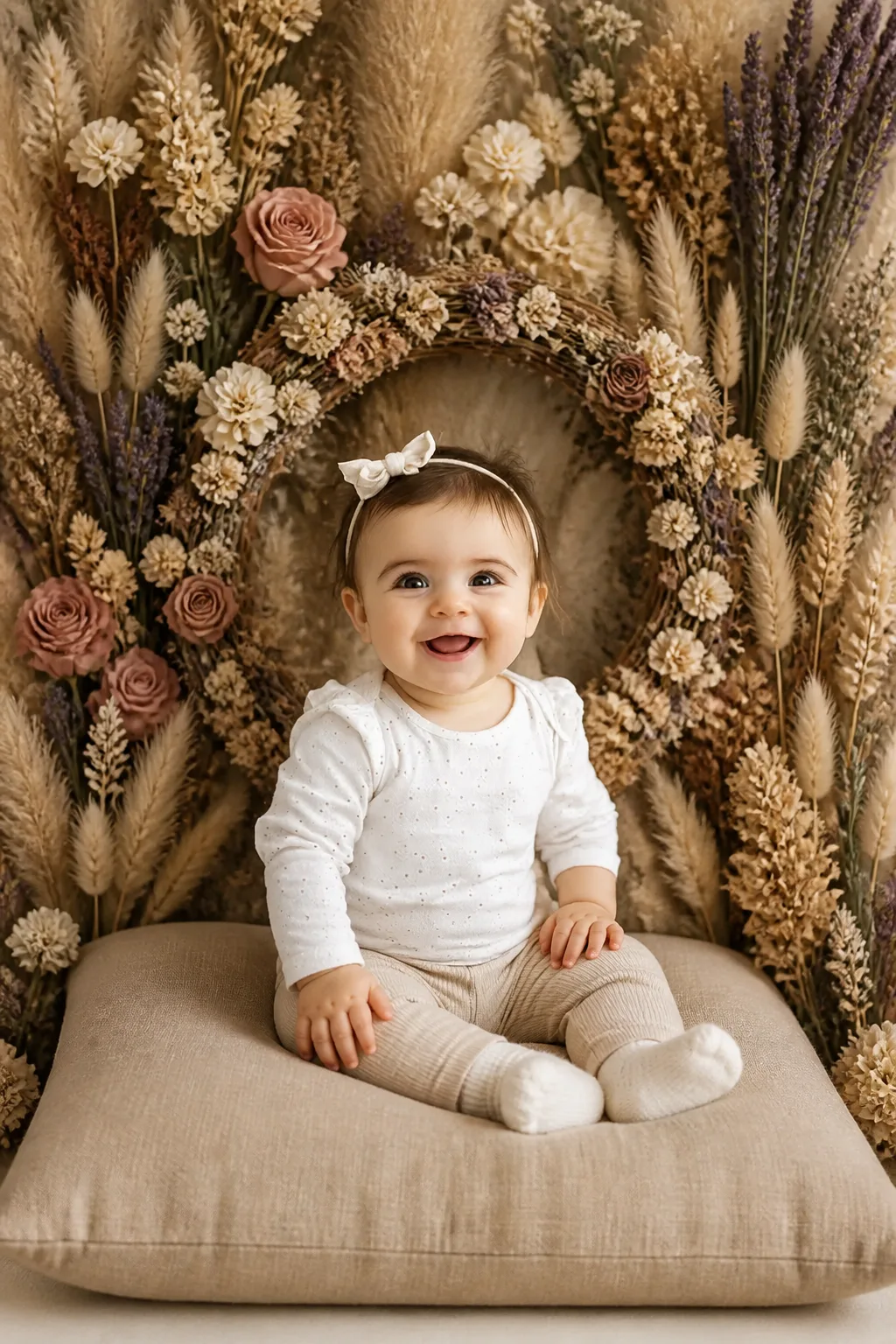
- Boho — Dried Flower Wall
- Boho — Dreamcatcher Circle