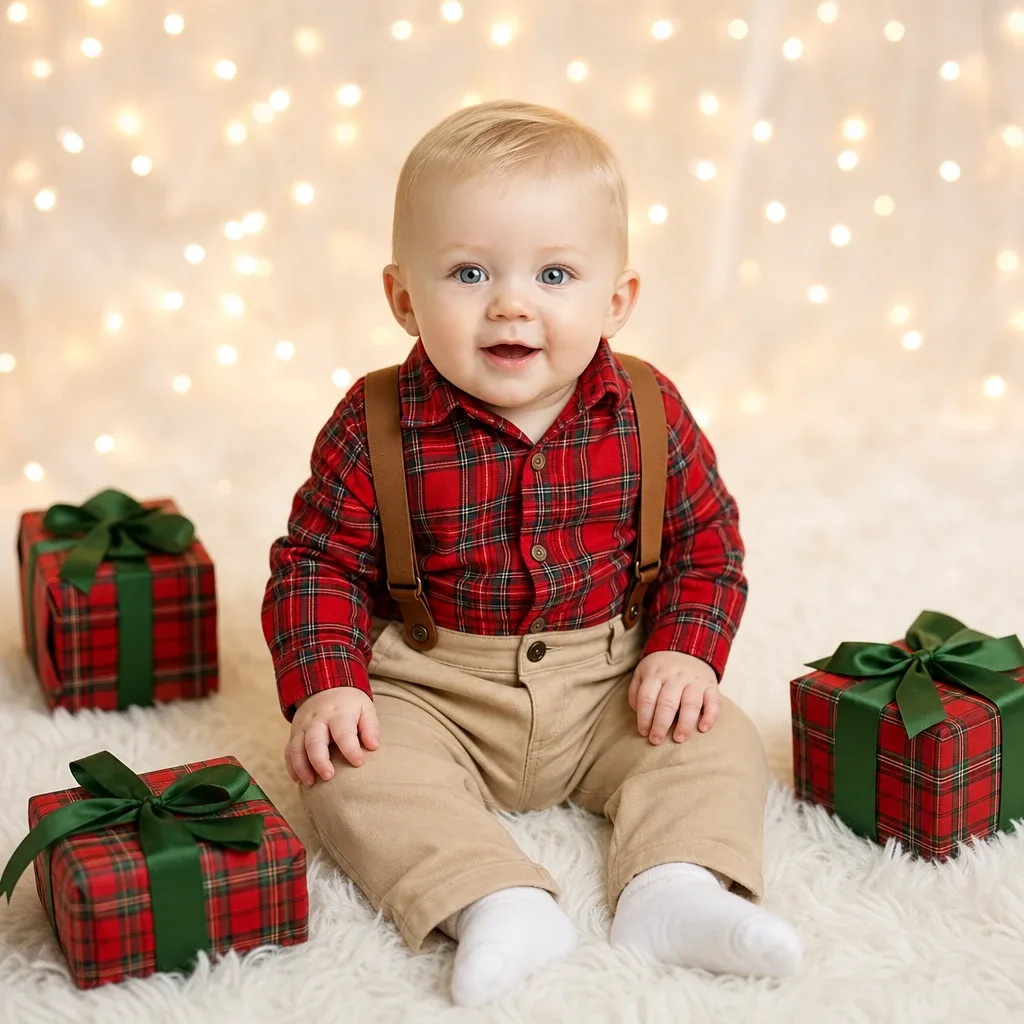
Sample result. Images are AI-generated from the photo you upload.
Christmas theme
Christmas — Snow Globe Wonderland baby photoshoot
Here your baby sits inside a glass snow globe, as if someone had just shaken it. Tiny cottages with glowing yellow windows, a church tower, a street lamp and frosted fir trees form a village around the baby, and white flakes drift through the dome. The outfit is a cream knitted top with pink trousers and small brown boots. Beneath the glass is a deep red base trimmed with gold scrollwork and a snowflake emblem. A dark blue background dotted with soft lights makes the globe glow.
This is one of the more playful Christmas themes in the app, so it suits a card that should make relatives smile. Send it as a festive greeting on the family group, print it for the mantelpiece, or use it as the cover picture for a December photo album. Older children in the family can have fun spotting the little houses.
- Good for
- Playful Christmas greetings and album covers
- The photo to use
- A bright, front-facing photo with a happy expression suits this seated pose. Keep your baby's whole face visible and in focus, and avoid strong shadows, because the scene inside the globe is evenly and softly lit.


First photoshoot free. Plans available in the app.
How to make this photo
Step 1
Upload one photo
Open the app and add one clear photo of your baby’s face.
Step 2
Choose Christmas — Snow Globe Wonderland
Find it in the Christmas category and tap it.
Step 3
Save your portrait
It is ready in about 30 seconds. Download it and share it.
More Christmas looks
- Reindeer Cuddle
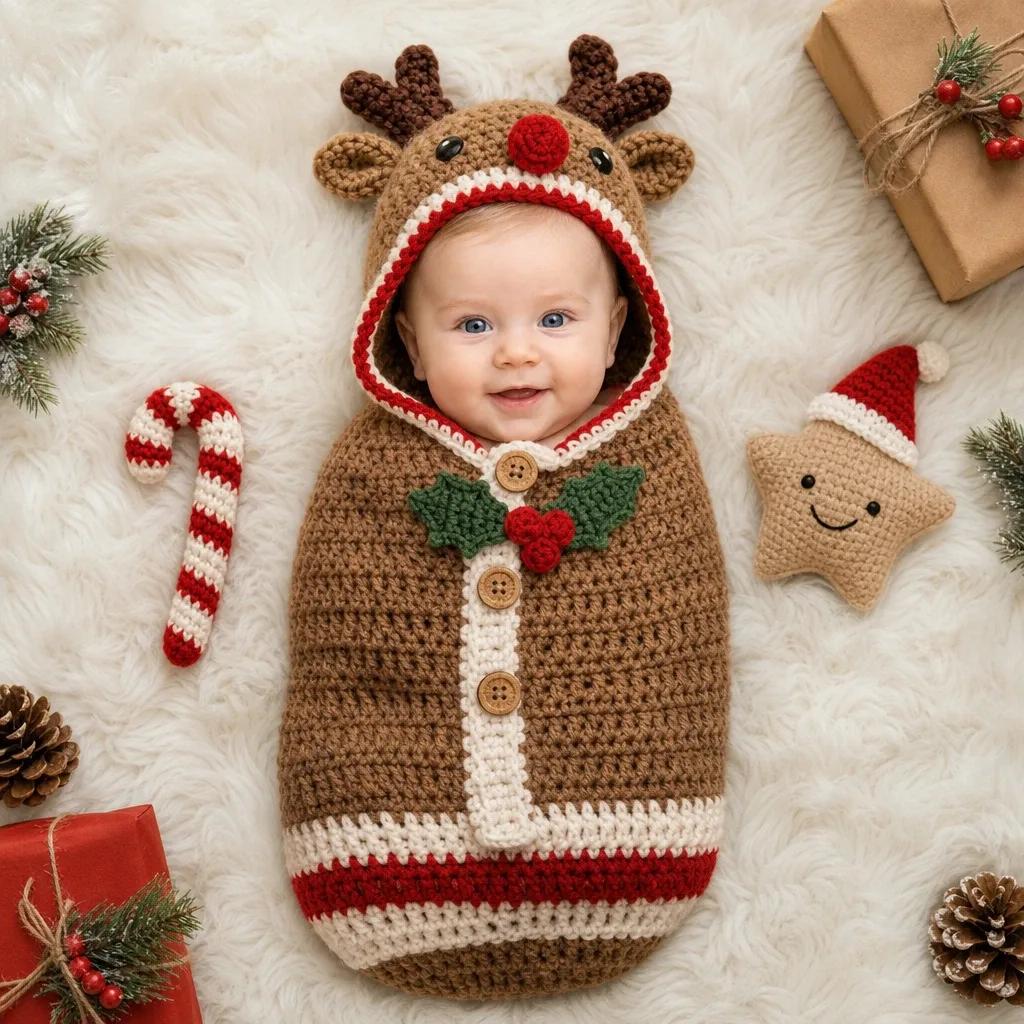
- Gingerbread Delight

- Santa's Little Helper
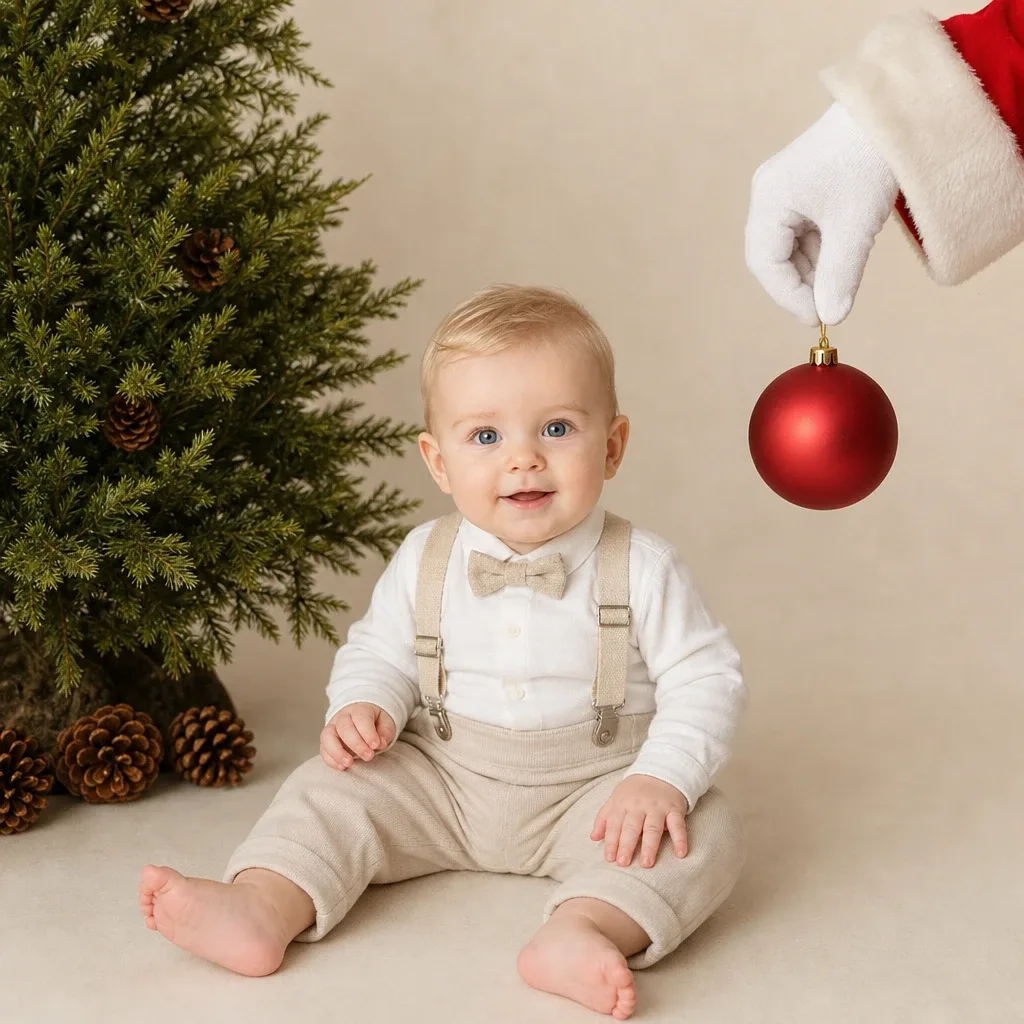
- Winter Candy Cup

- Chimney Top Delight
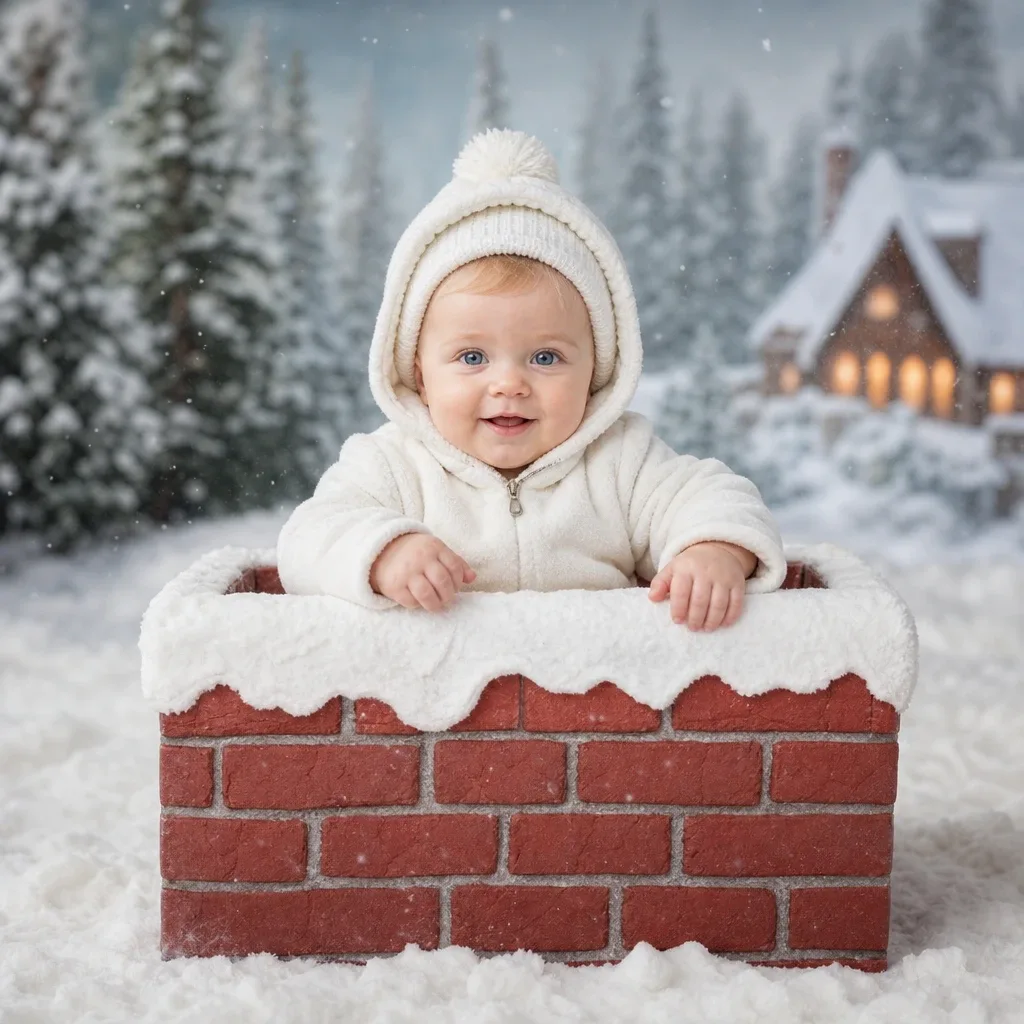
- Cozy Christmas Joy