

Sample result. Images are AI-generated from the photo you upload.
Monthly Milestones theme
Blue Milestone baby photoshoot
Seen from directly above, a baby sleeps with arms raised on a fluffy pale blue rug, dressed in a matching blue sleepsuit. A wooden ukulele lies to the left and a blue felt letter board reading "6 months" sits near the head, beside a white crescent moon cushion. Two blue teddy bears, fabric stars, fairy lights and a ring of blue and white balloons fill the edges. One colour runs through everything, which keeps the frame calm and tidy.
Blue Milestone is a good pick for the half-year mark shown on the sample board. Add it to a monthly album, send it to relatives abroad, or set it as a phone wallpaper. If you have followed a single colour through each month's picture, this one continues the series neatly.
- Good for
- Half-year milestone album pages
- The photo to use
- Because the baby is asleep in this scene, a calm photo with closed or drowsy eyes works well. Take one clear picture of the face from above, with light falling evenly across both cheeks.


First photoshoot free. Plans available in the app.
How to make this photo
Step 1
Upload one photo
Open the app and add one clear photo of your baby’s face.
Step 2
Choose Blue Milestone
Find it in the Monthly Milestones category and tap it.
Step 3
Save your portrait
It is ready in about 30 seconds. Download it and share it.
More Monthly Milestones looks
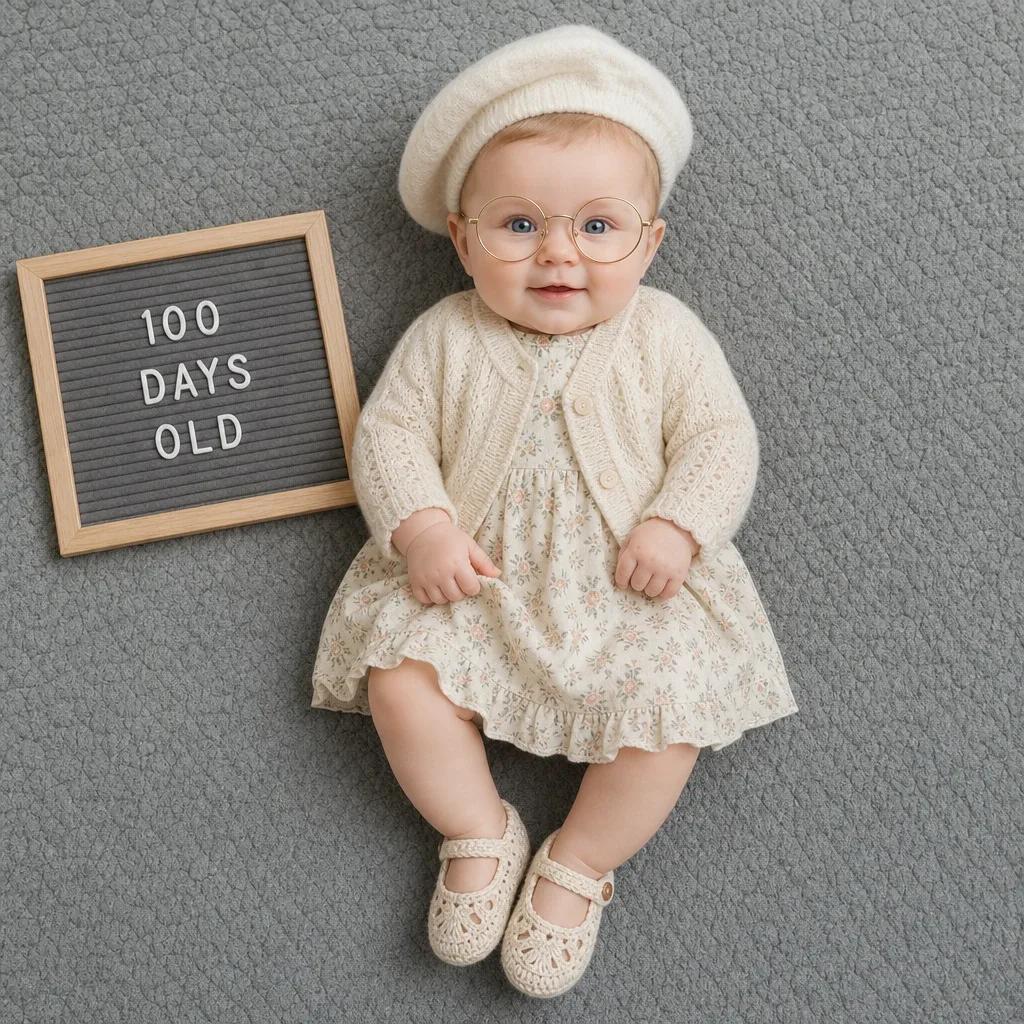
- 100 Days Classic
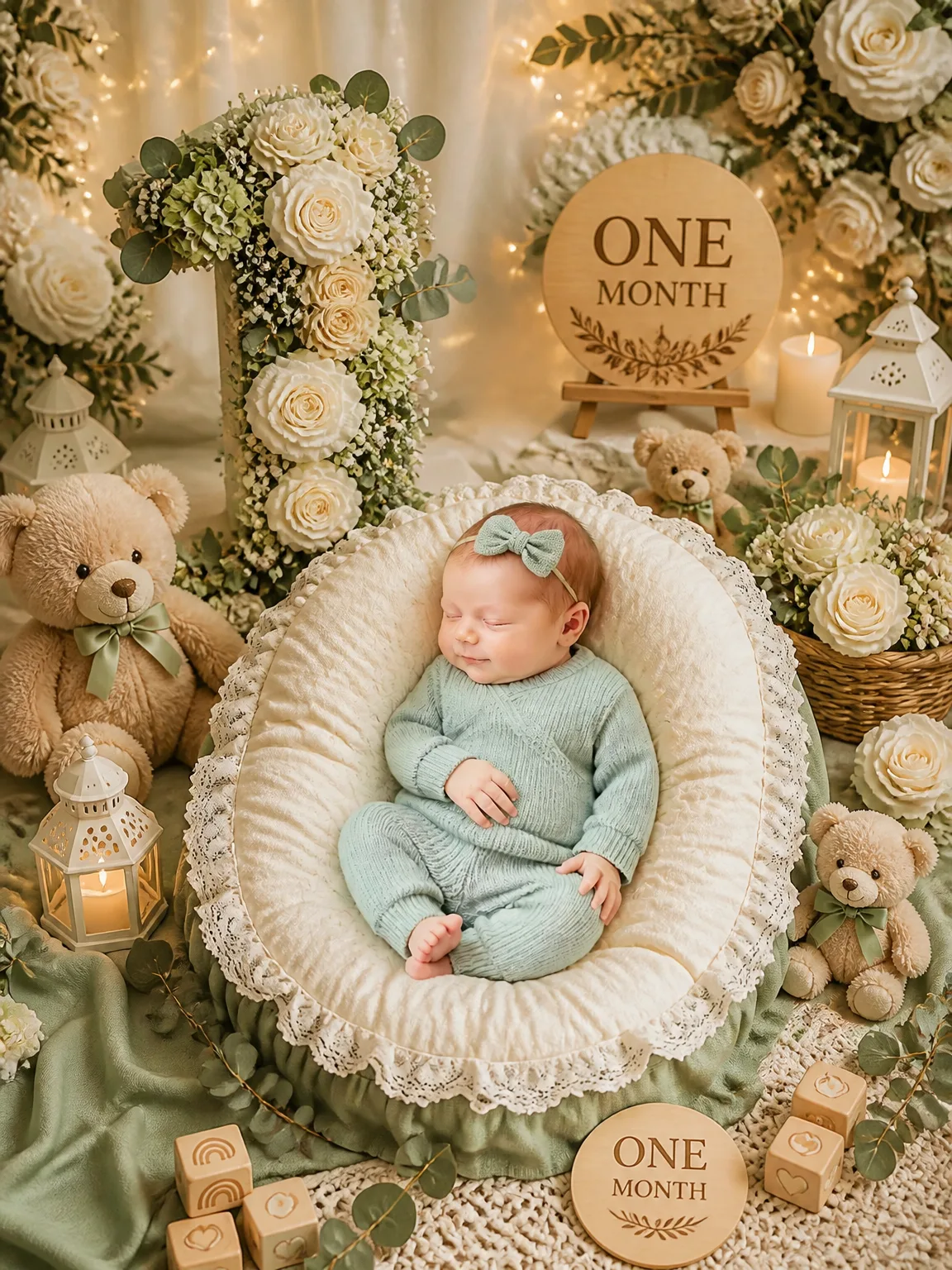
- One Month - Little Sage Milestone
- One Month — Moonlit Dreams

- Six Months — Little Traveler Milestone

- Cozy Polar Cuddle

- Eight Months — Cherry Blossom Garden
