Sample result. Images are AI-generated from the photo you upload.
Traditional theme
Classic Portrait baby photoshoot
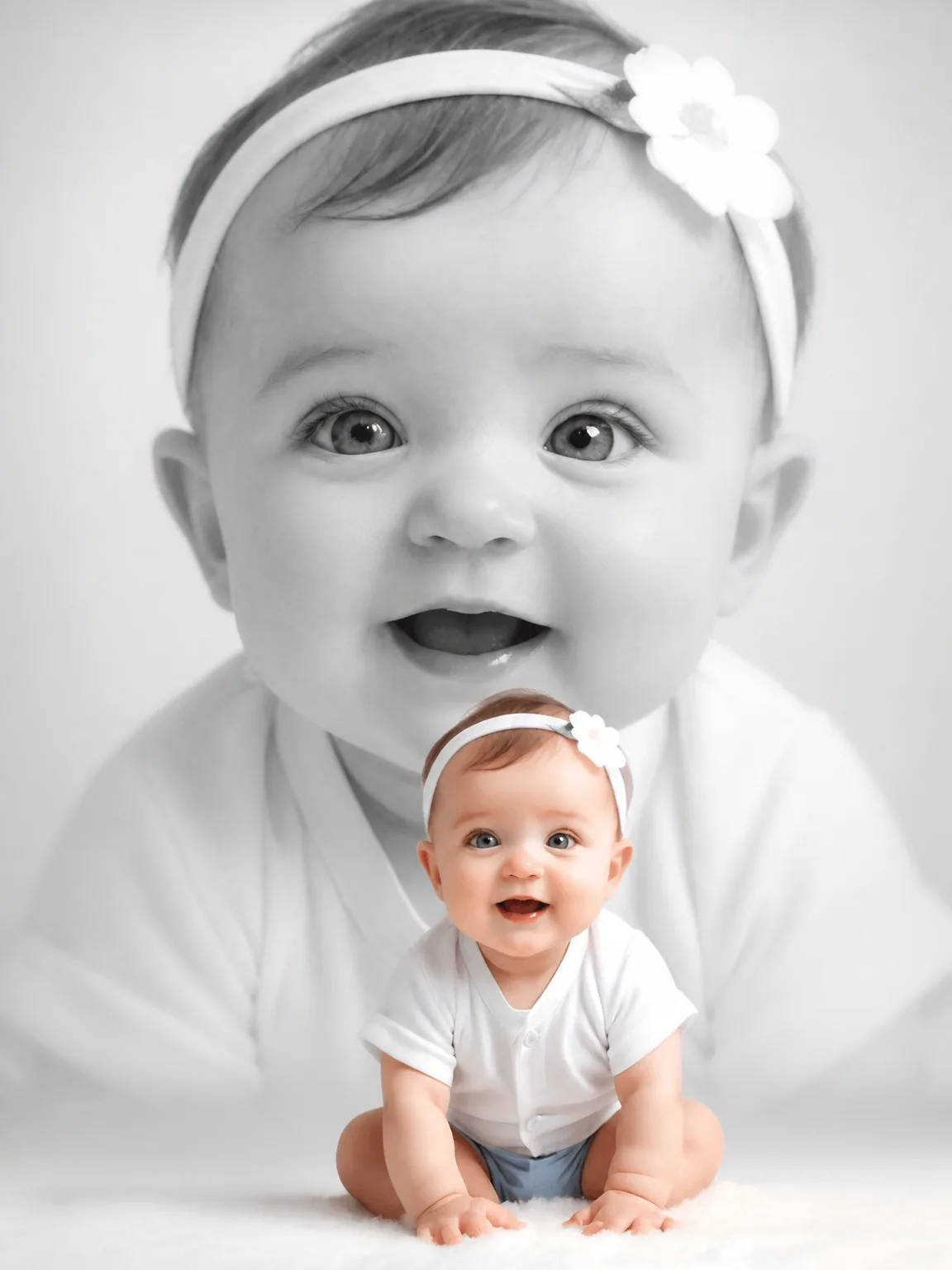
Classic Portrait uses no props at all. A large black-and-white close-up of the baby's face fills the upper part of the frame, softly faded into a pale grey background. In front of it, in full colour, the same baby leans forward on both hands in a white top, blue shorts and a white headband with a fabric flower. Monochrome and colour sit together in one picture, so you see both the fine detail of the expression and the whole little person.
This is the theme to choose when you want a timeless picture and no costume. It works for any age and any occasion, from a simple monthly record to a framed gift for grandparents. The neutral tones match almost any room or album style.
- Good for
- Timeless framed portraits for family
- The photo to use
- The face appears twice here, once very large, so image quality matters. Provide one clear, sharp, well-lit photo of your baby's face looking at the camera, with no blur, heavy shadow or filter.


First photoshoot free. Plans available in the app.
How to make this photo
Step 1
Upload one photo
Open the app and add one clear photo of your baby’s face.
Step 2
Choose Classic Portrait
Find it in the Traditional category and tap it.
Step 3
Save your portrait
It is ready in about 30 seconds. Download it and share it.
More Traditional looks
- Elegant White Baby
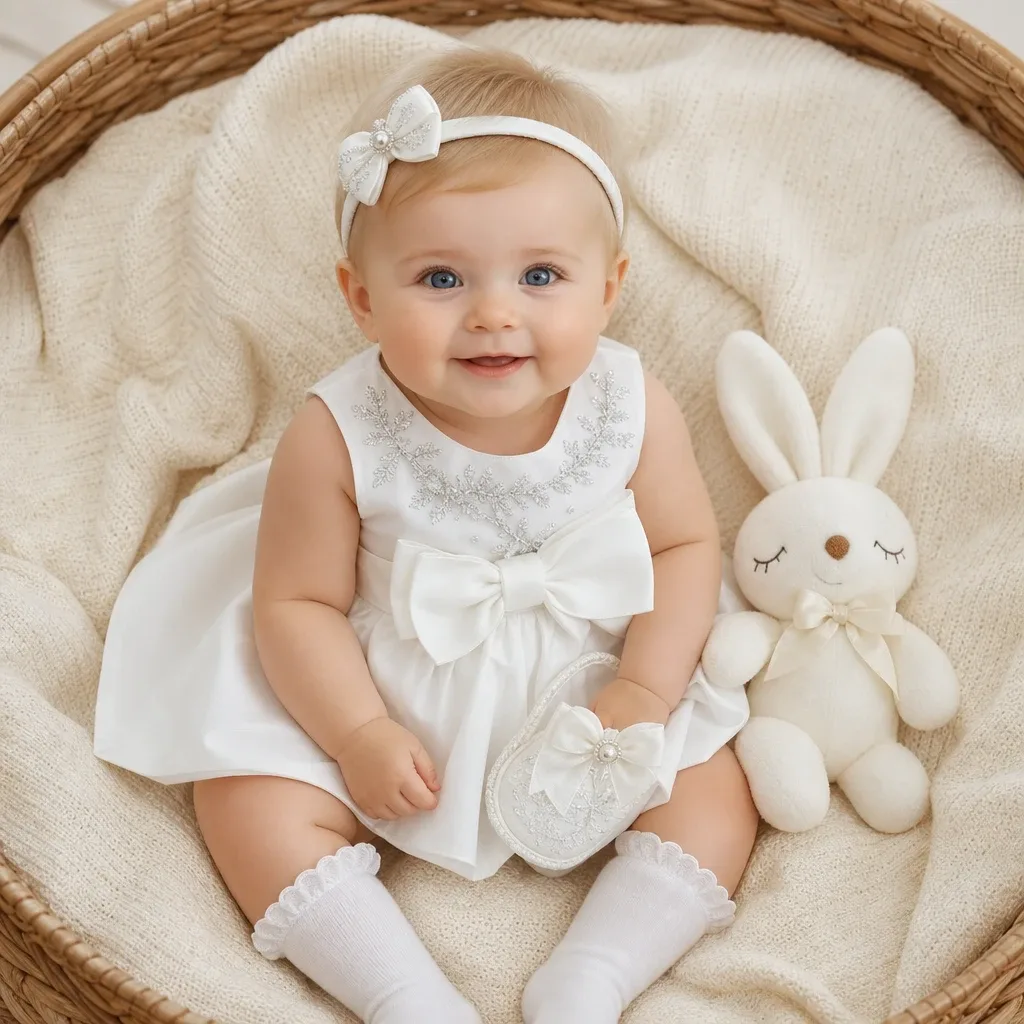
- Dreamy Blue Slumber
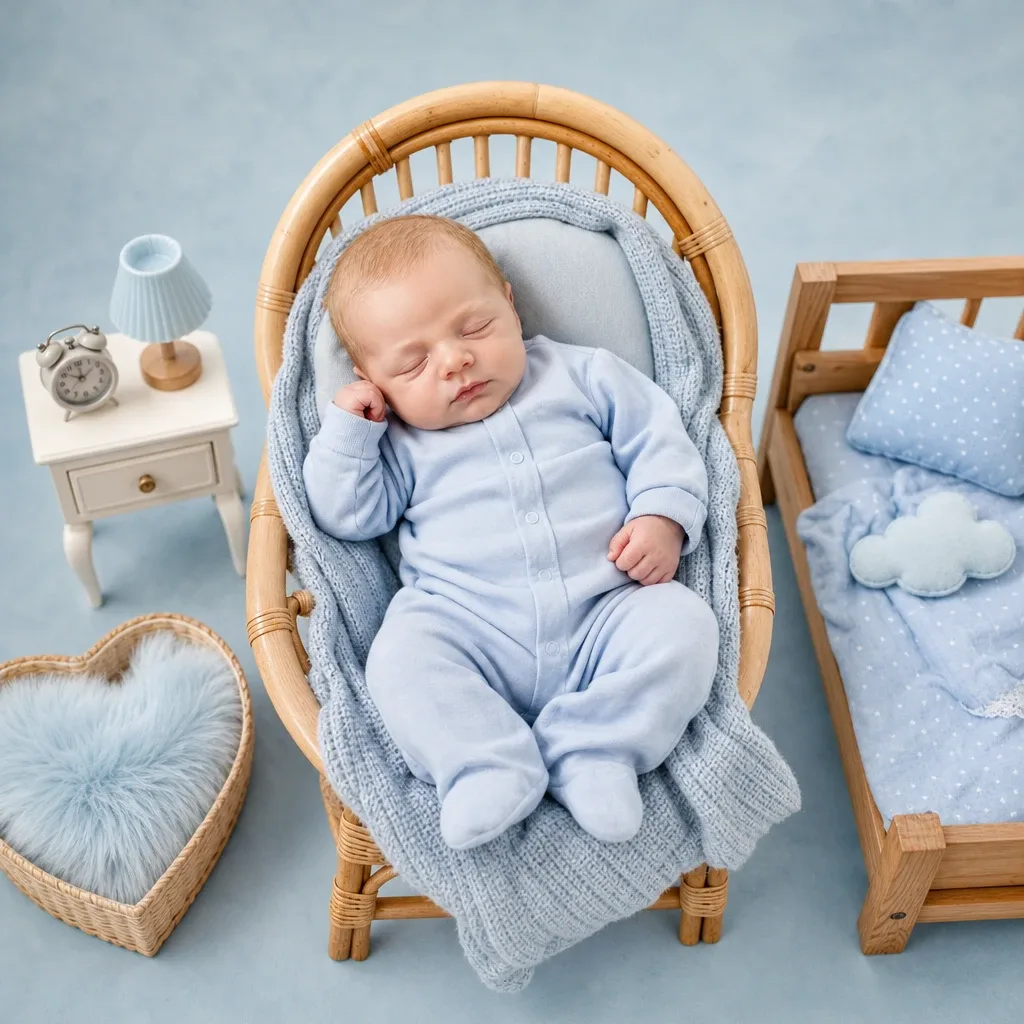
- Little Boss

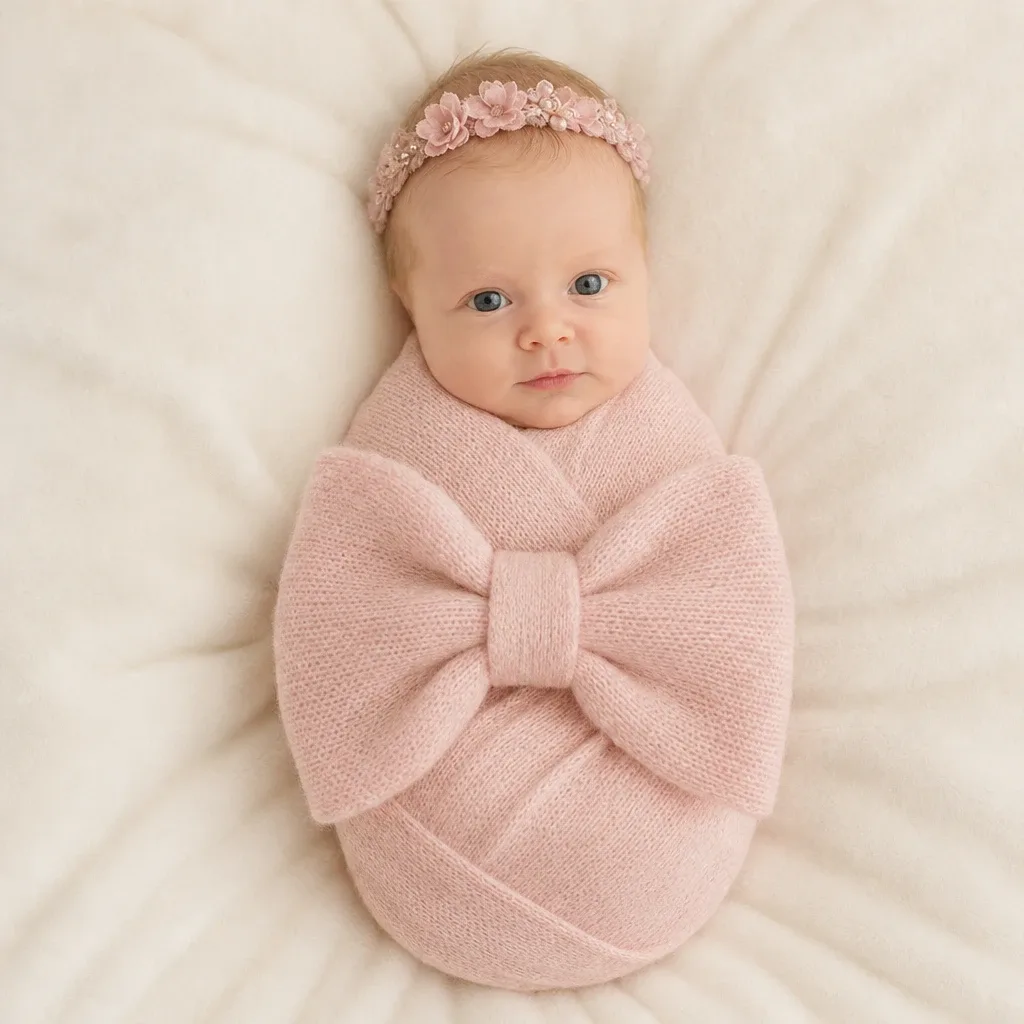
- Pink Bow Dream
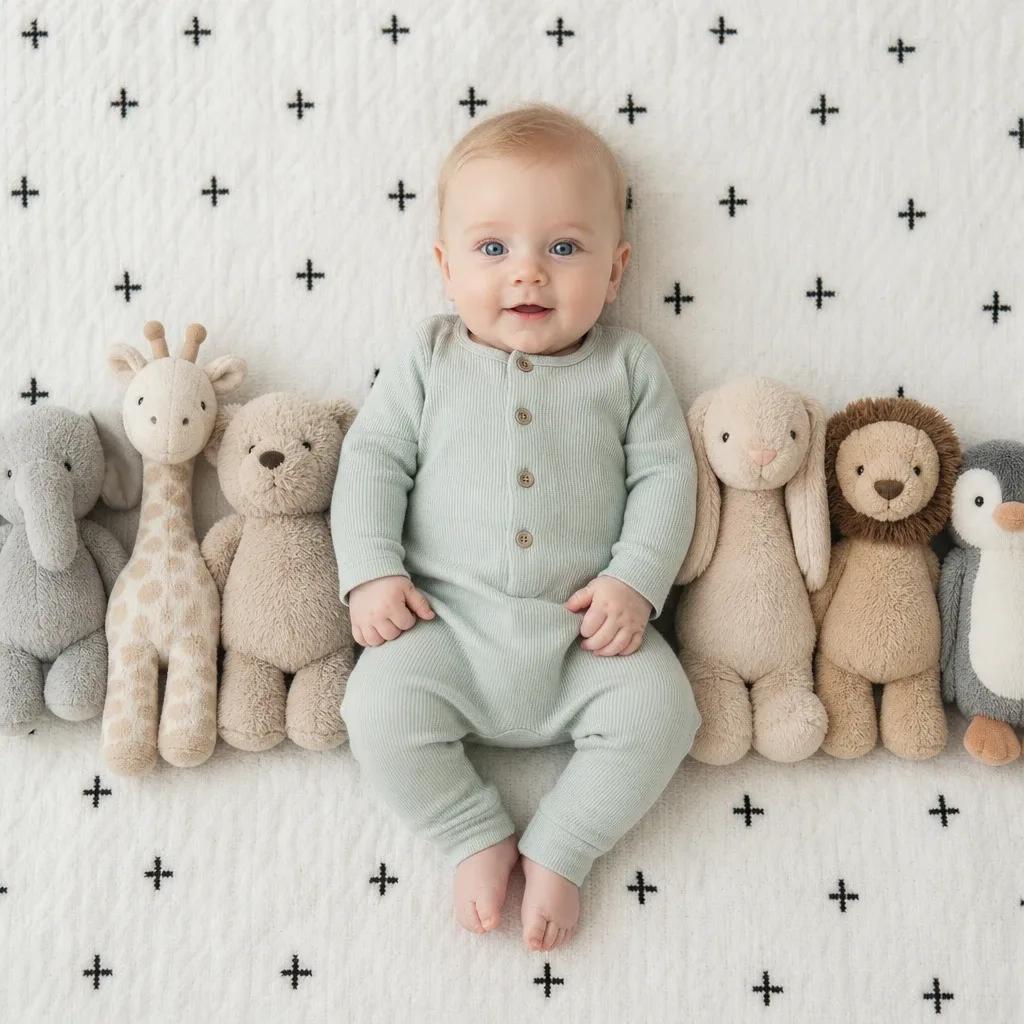
- Plush Friends Cuddle
- Teddy Bear Dream