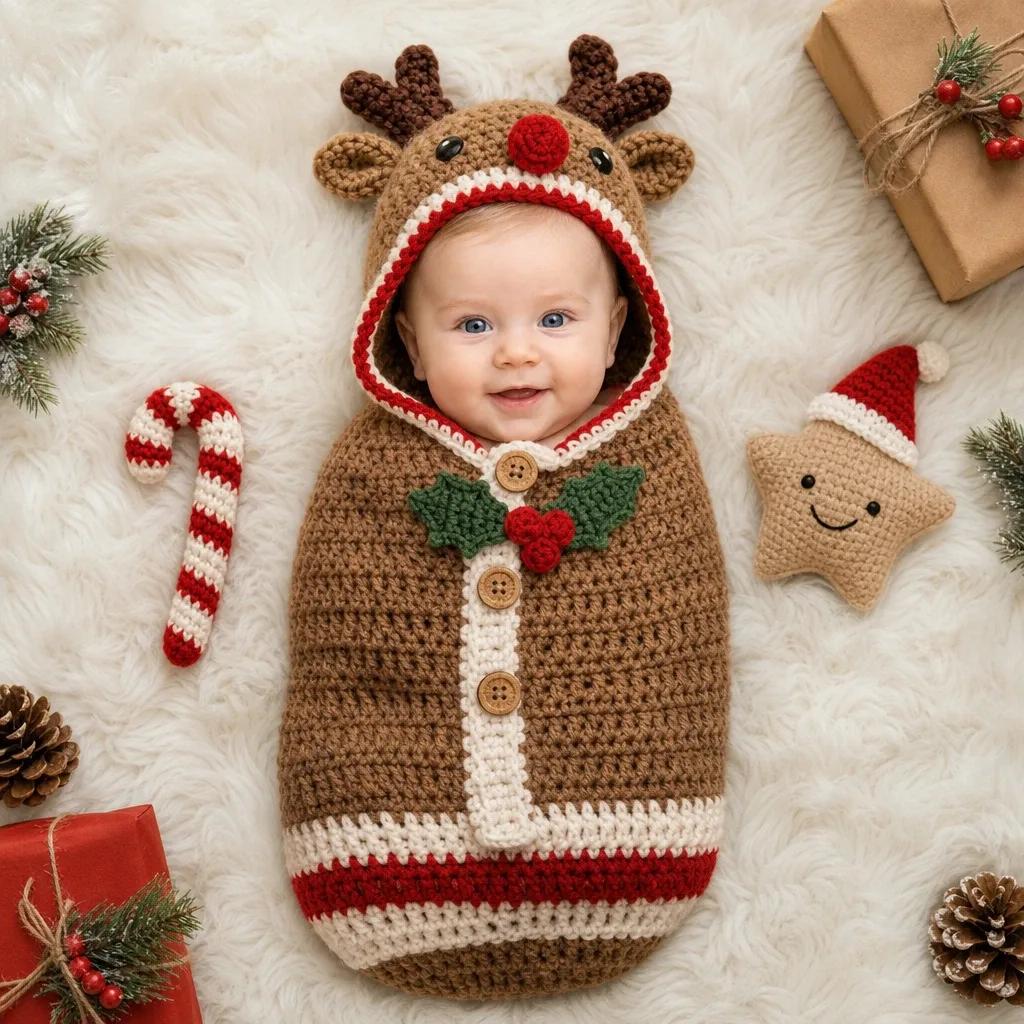
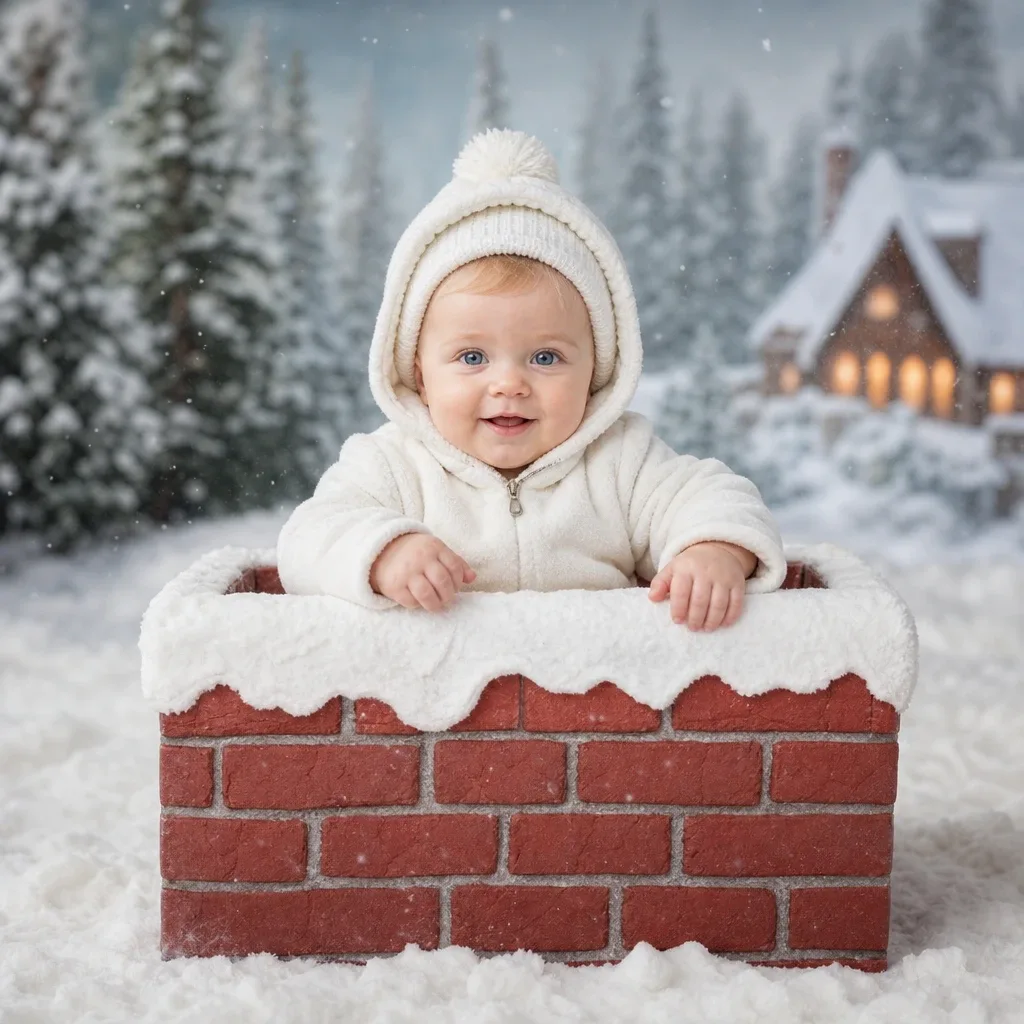
Baby Christmas card photo ideas, with wording and photo tips
· AI Baby Photoshoot
A Christmas card with your baby on it does a different job from a photo in the album. It is printed small, read in a few seconds and often stays on someone’s fridge for the rest of the year. So the best baby Christmas card photo ideas are simple ones: one clear face, two or three colours, and some empty space for the greeting.
Choose the photo first and the card design second. Most templates can be adjusted to fit a good photo, and no template rescues a dark or blurry one.
Eight photo ideas that suit a card
Each of these works with a phone, a window and things most homes already have in December.
- The close portrait: baby in a red or cream outfit against a plain wall, cropped from the chest up. This is the easiest one to get right.
- The paper star: a star lantern hung behind the baby, slightly out of focus, with the baby looking up towards it.
- The year card: a slate or a sheet of card with the year written by hand, propped beside a sitting baby.
- The sleeping elf: for the youngest babies, a close photo from above on a white blanket, with a small red hat.
- The present: baby sitting beside one large wrapped box with a big bow, both at the same height in the frame.
- Family hands: the baby in the centre with each family member’s hand resting on the blanket around them, for a card signed from everyone.
- Siblings in a row: older children sitting on the floor with the baby on the eldest one’s lap, all in the same colour.
- Last year and this year: last December’s family card held in the frame beside this year’s new arrival.
Leave room for the words
A card needs space for a greeting, and a photo filled edge to edge has none. Place the baby to one side of the frame and keep the other side plain: a wall, a blanket or a stretch of floor. That plain area is where the text goes.
Take both a vertical and a horizontal version. Folded cards and phone greetings usually want vertical, and flat postcards often want horizontal. Step back a little further than feels natural as well, because printers trim a few millimetres from every edge and a tight crop can lose the top of a hat.
Wording examples for the card
Short wording works best next to a photo. Pick one line for the front, and keep the names and the year for the inside or the bottom edge.
- For a first Christmas: “Our first Christmas as a family of three.”
- With the name: “[Baby’s name]’s first Christmas”, followed by the year.
- From the baby: “I am new here. Merry Christmas from me and my tired parents.”
- Simple and warm: “Merry Christmas and a happy New Year, with love from all of us.”
- For family far away: “Wishing we were with you this Christmas. Here is who you are missing.”
- For a laugh: “Silent night? Not at our house. Merry Christmas.”
- For a late card: “Happy New Year from our newest family member.”
Photo tips so the card prints well
A photo that looks fine on a phone can print dark or soft. These habits help.
- Shoot in daylight beside a window, with the room lights and the flash off.
- Tap the baby’s face on the screen before each shot, so the phone sets focus and brightness there.
- Use the main camera at its normal setting. Zoomed photos lose detail and look grainy in print.
- Send the original file to the printer. Photos forwarded through chat apps are often compressed, and that shows on paper.
- Brighten the photo slightly before printing, since paper usually looks a little darker than a screen.
- Keep red and green to the outfit and one or two props. A plain background makes the face the first thing people see.
If the home photo does not work out
Some years the outfit does not fit, the tree is not up in time or the baby is simply not in the mood. The AI Baby Photoshoot app is one way round that. You upload one clear photo of your baby’s face, choose a Christmas theme such as a fireplace, a gift box or a snowy scene, and a studio-style portrait is ready in about 30 seconds. The image is AI-generated from the photo you upload, so describe it as a portrait and not as a photo from your home. The first photo is free and carries a watermark, and plans are available in the app for HD photos without it.
Printing, posting and sending on the phone
Order printed cards in the first half of December if they are going by post, and earlier for family abroad. Ask for one test print if the shop offers it, and check that the face is bright enough.
For a phone greeting, add the wording with the text tool in your gallery app and save it as a new copy, so the clean photo is still there for the album. Send it on Christmas morning, when people are looking at their phones anyway.