Sample result. Images are AI-generated from the photo you upload.
Christmas theme
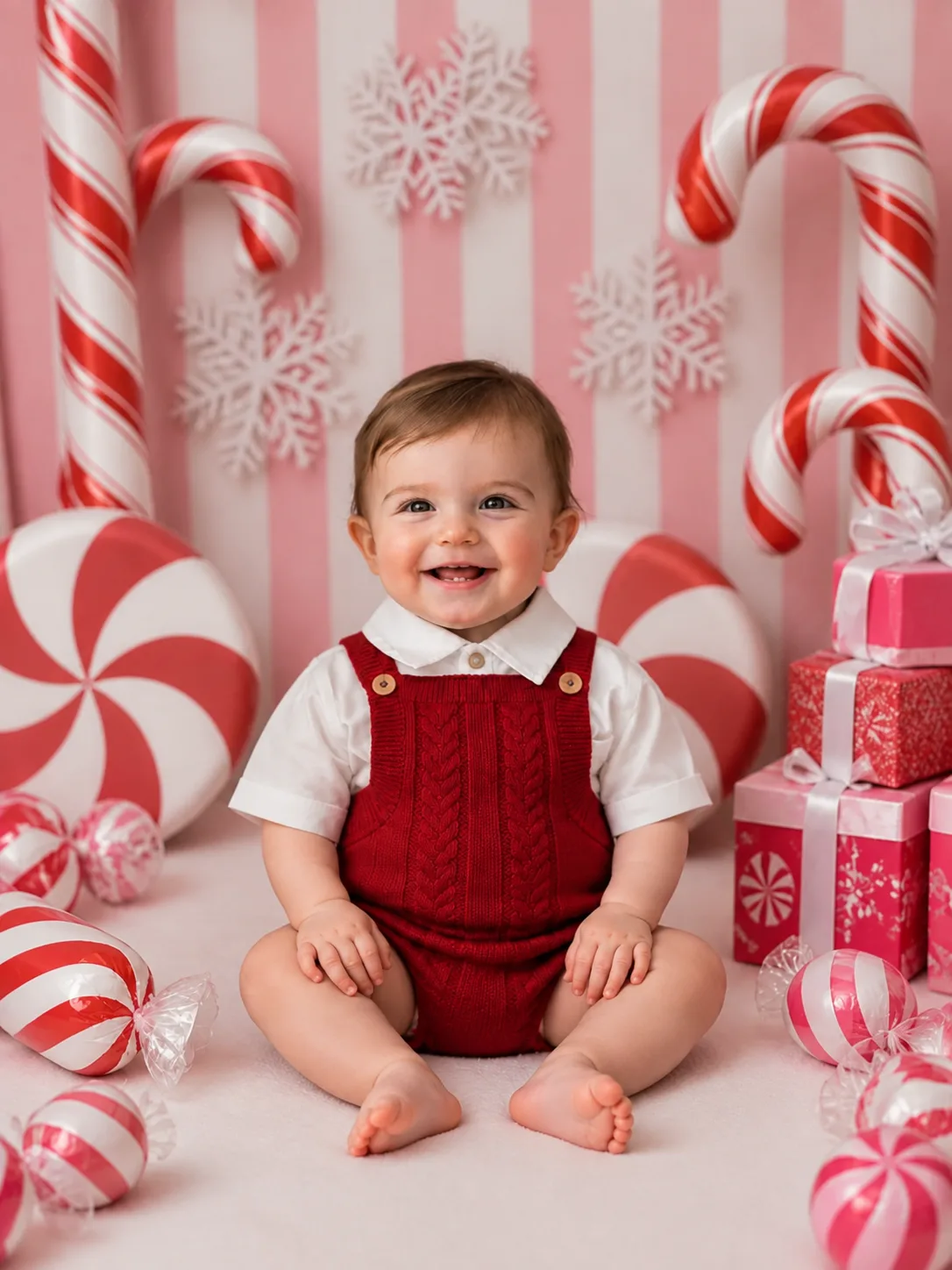
Christmas — Candy Cane Lane baby photoshoot
Everything in this studio is striped. The wall behind is painted in pink and white bands and hung with white paper snowflakes. Giant red and white candy canes lean in from the edges, and two huge peppermint swirls stand like wheels at the back. In the centre sits a barefoot baby wearing a red cable-knit romper over a white short-sleeved shirt with a rounded collar. Wrapped peppermint sweets lie on the pale pink floor, and a stack of pink and red presents with white bows stands to one side.
Candy Cane Lane is bright, sugary and cheerful, with pink taking the place of the usual Christmas green. Parents who want something lighter than a fireside scene often pick it. It suits a fun Christmas card, a festive display picture, or a first Christmas album page.
- Good for
- Bright, playful Christmas cards and display pictures
- The photo to use
- Start with a well-lit, straight-on photo of your baby's face with a clear smile. Even light without strong shadows is important here, because the pink and white backdrop is evenly bright from edge to edge.


The first photo is free. Plans available in the app.
How to make this photo
Step 1
Upload one photo
Open the app and add one clear photo of your baby’s face.
Step 2
Choose Christmas — Candy Cane Lane
Find it in the Christmas category and tap it.
Step 3
Save your portrait
It is ready in about 30 seconds. Download it and share it.