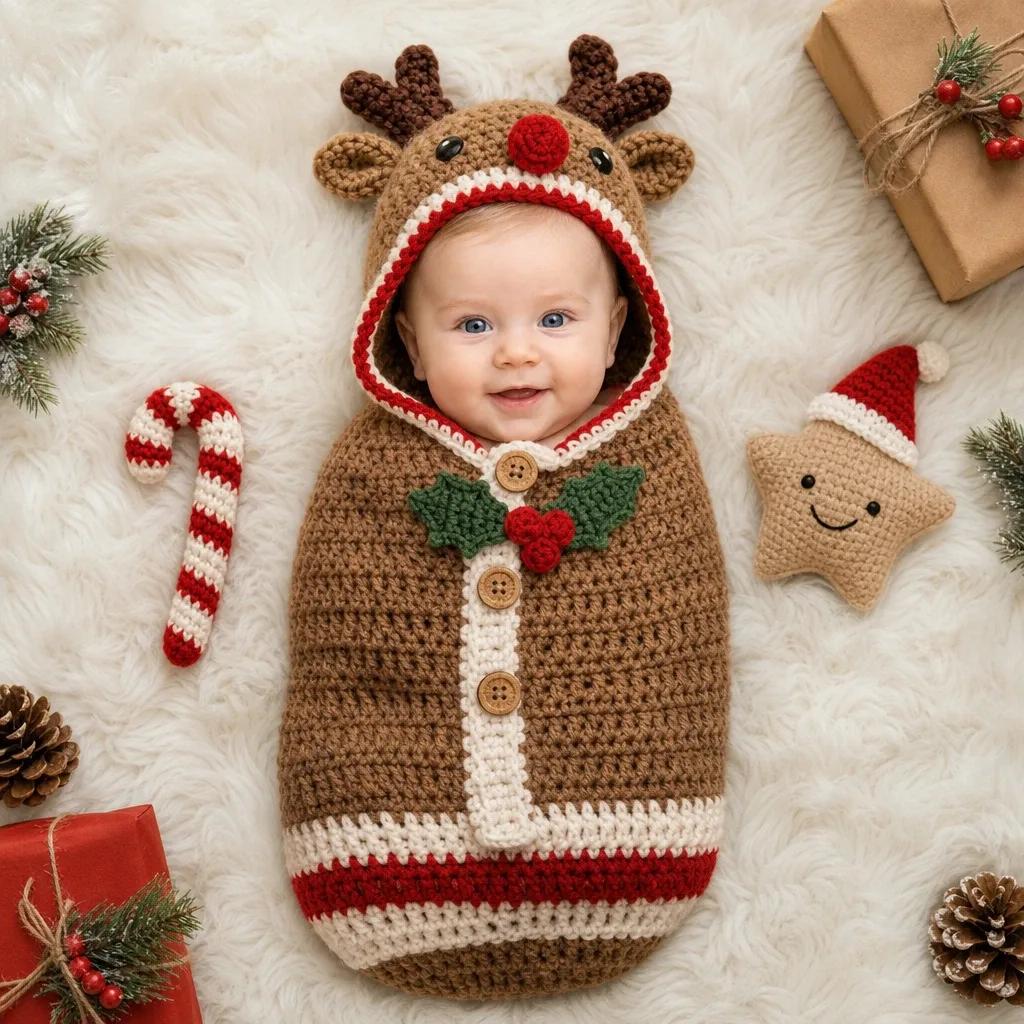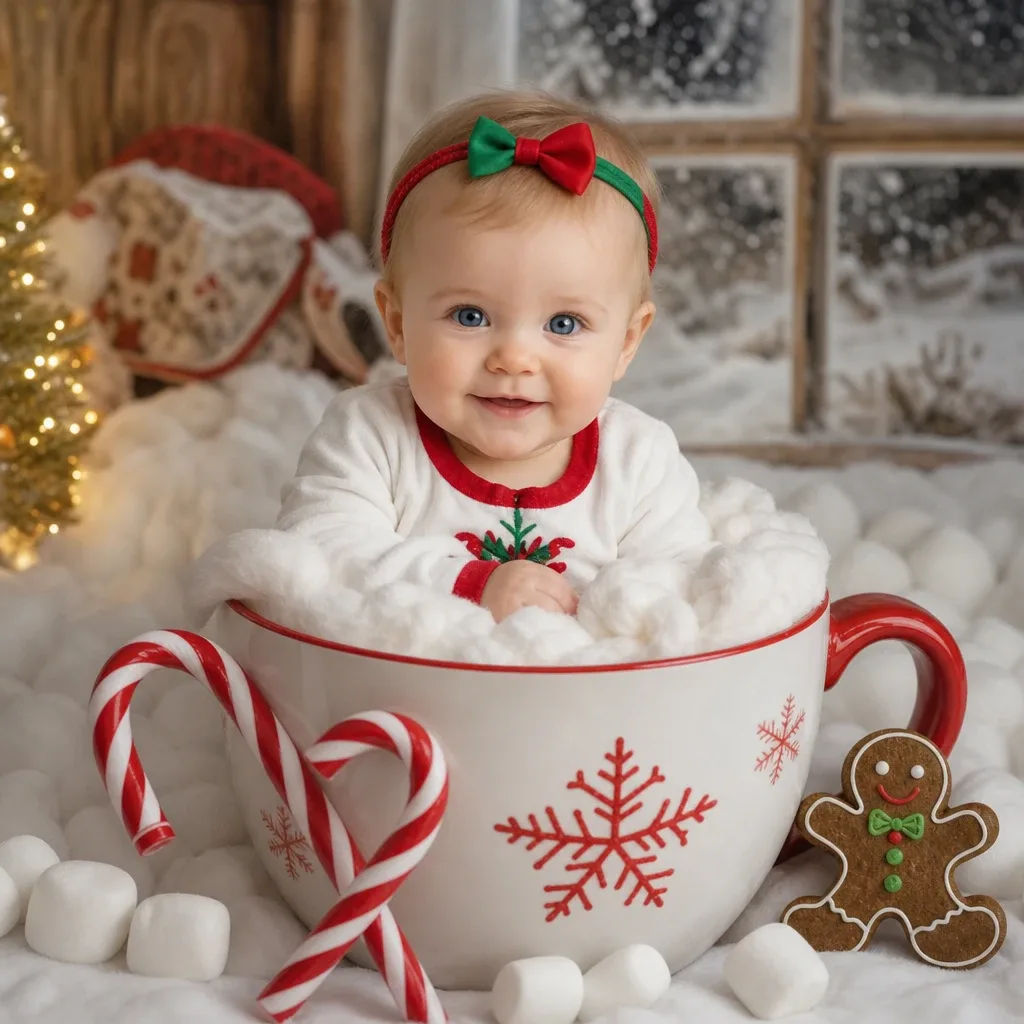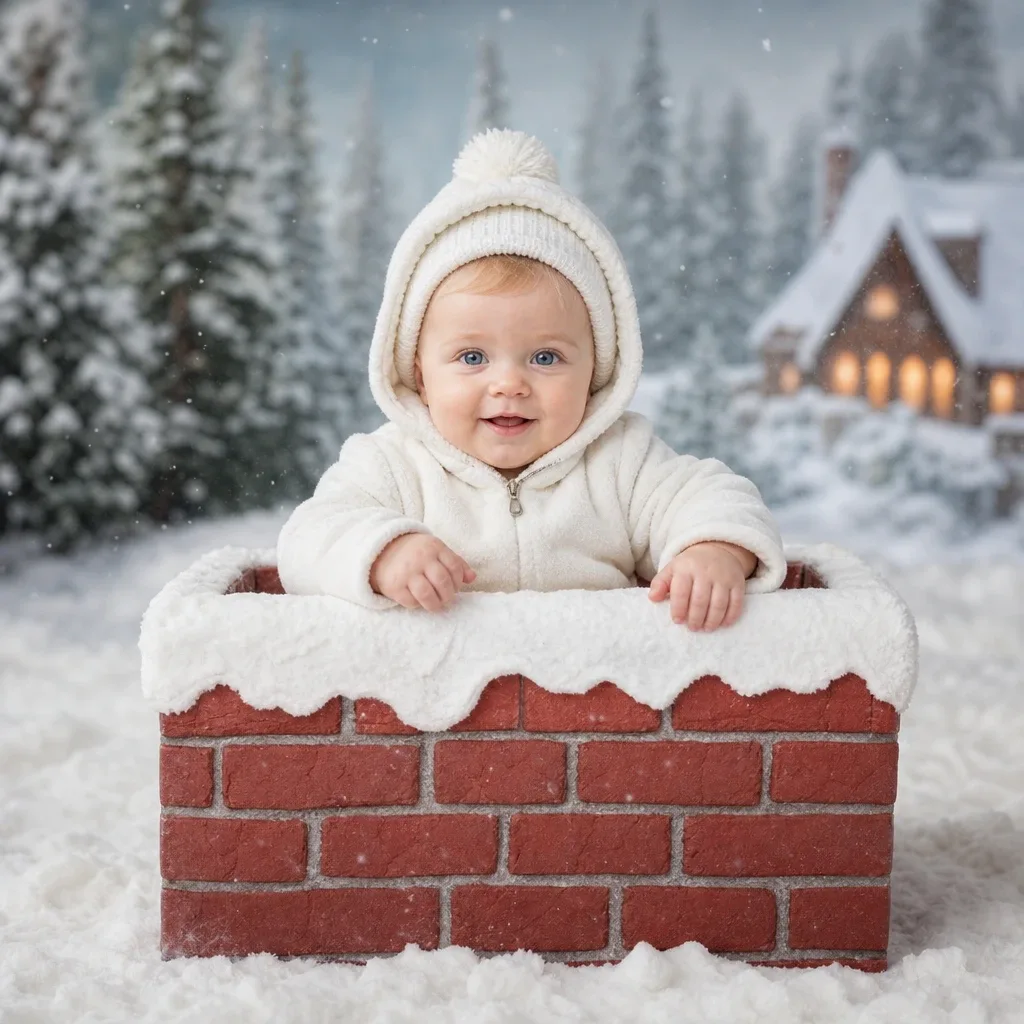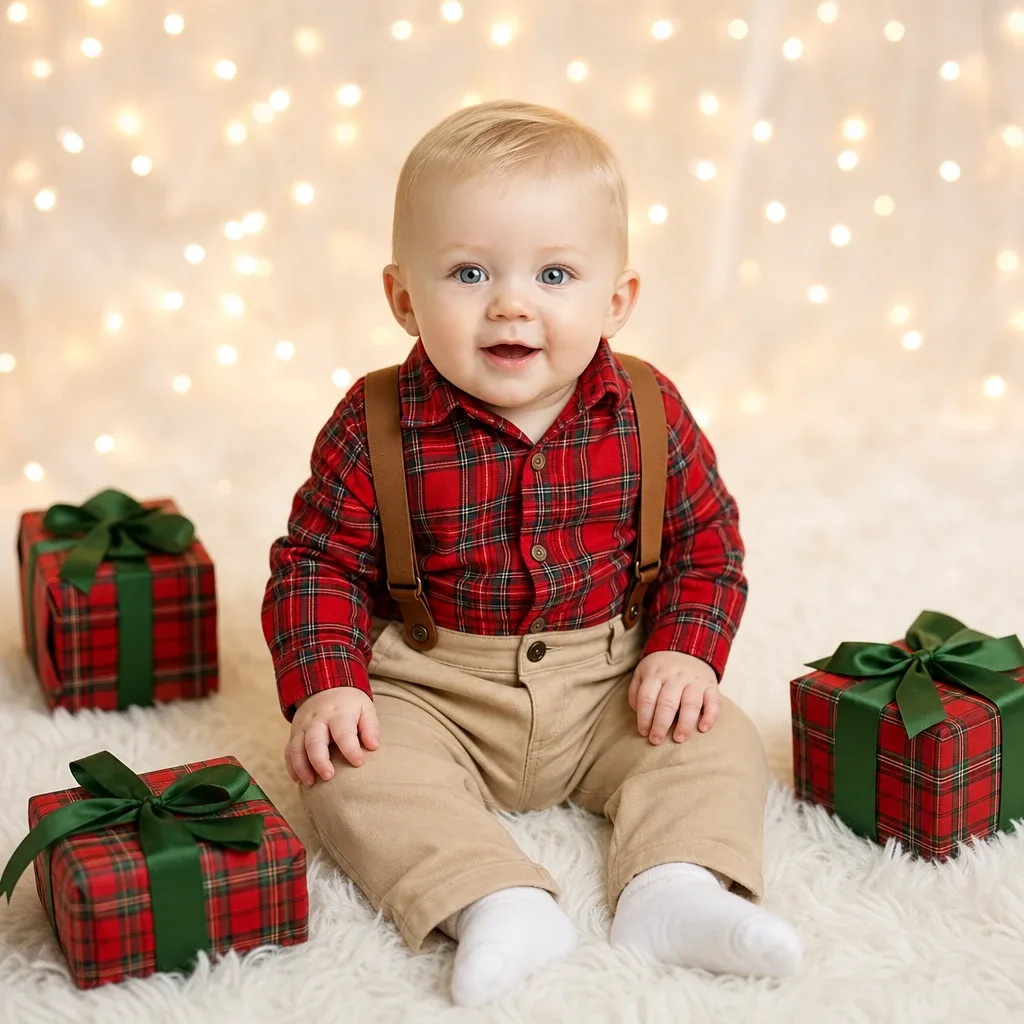
Sample result. Images are AI-generated from the photo you upload.
Christmas theme
Christmas — Gift Box Surprise baby photoshoot
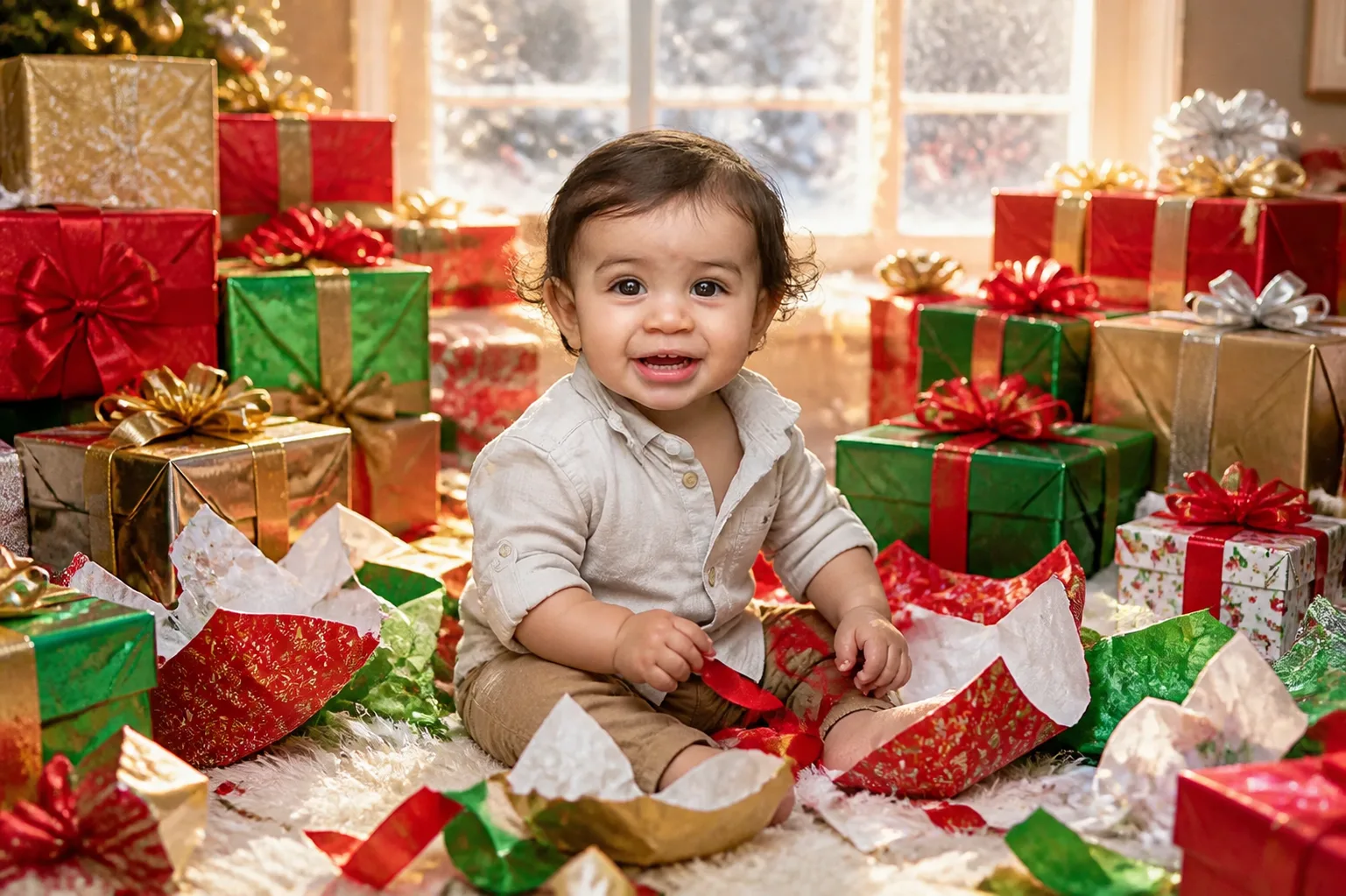
Surrounded by ripped red and green wrapping paper, a baby in a cream button-up shirt and khaki shorts sits on the floor holding a length of red ribbon. Stacks of presents rise on both sides in red, green and gold paper, tied with satin and organza bows. Loose ribbons curl across a white rug in the foreground. Behind everything is a wide window with snow on the panes, and the daylight coming through keeps the scene bright.
Gift Box Surprise catches the happy mess of Christmas morning, just after the unwrapping has begun. The baby looks as if someone has interrupted a very important job. It suits a playful Christmas card, a thank-you message to relatives who sent presents, or the Christmas Day page of a first-year album. The wide frame also leaves room for a line of text.
- Good for
- Christmas morning cards and gift thank-you notes
- The photo to use
- Pick one clear photo where your baby looks at the camera with an open, curious or excited face. Shoot it in bright daylight from the front, with both eyes visible and no toy near the mouth.


The first photo is free. Plans available in the app.
How to make this photo
Step 1
Upload one photo
Open the app and add one clear photo of your baby’s face.
Step 2
Choose Christmas — Gift Box Surprise
Find it in the Christmas category and tap it.
Step 3
Save your portrait
It is ready in about 30 seconds. Download it and share it.