Sample result. Images are AI-generated from the photo you upload.
Christmas theme
Christmas — Gingerbread House baby photoshoot
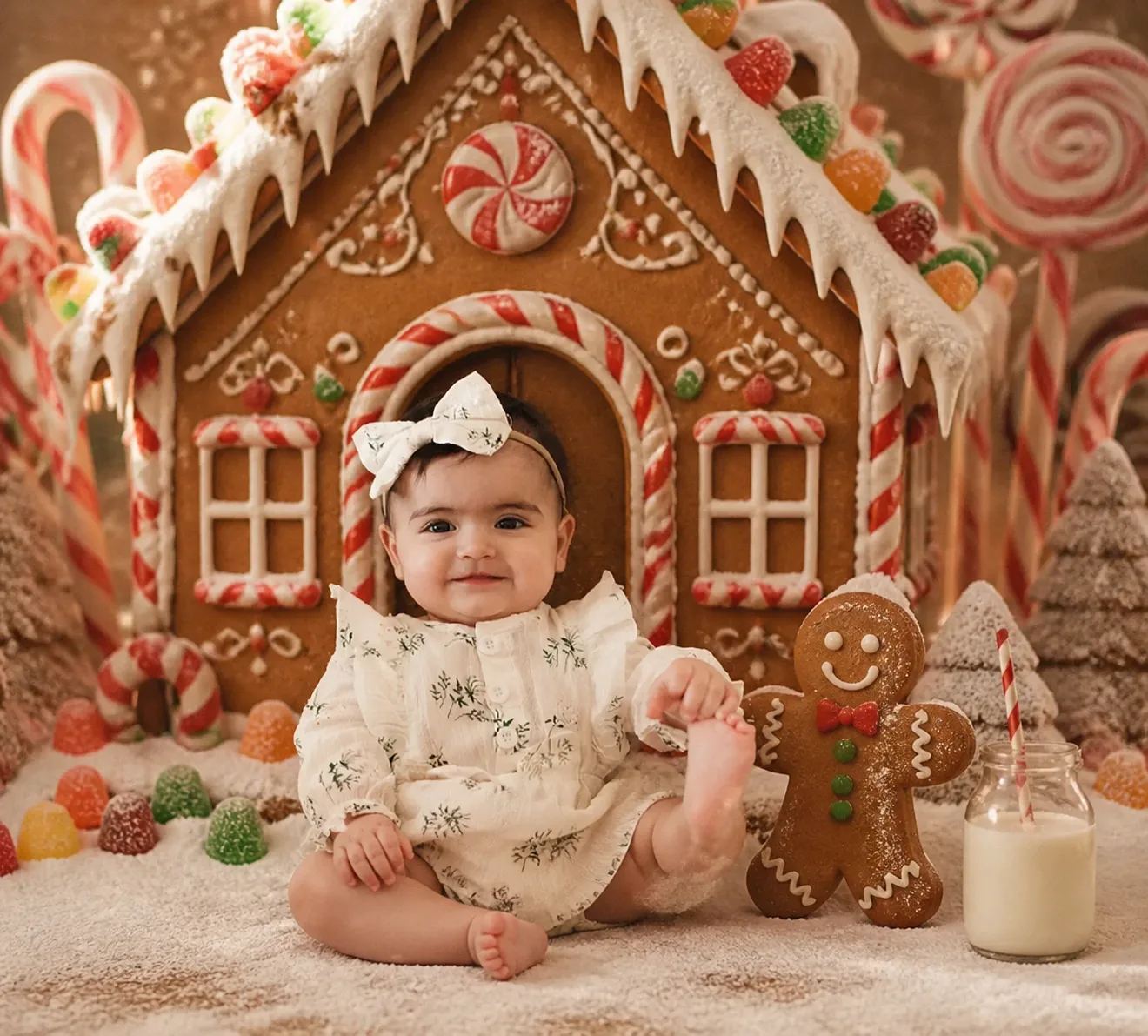
A life-size gingerbread house fills the background, its roof dripping with white icing and studded with gumdrops, and a peppermint swirl set above the arched door. In front sits a baby in a cream dress printed with small green sprigs, with frilled shoulders and a white bow headband, one hand holding a bare foot. A gingerbread man with a red bow tie stands alongside, next to a glass bottle of milk with a striped straw. Candy canes, giant lollipops and sugar-dusted trees frame the sides.
Gingerbread House is the sweet-shop corner of the Christmas collection, all warm brown, white and red. It works nicely for a card sent with home-baked biscuits, a first Christmas album page, or an invitation to a children's Christmas party. Printed square, the icing details stay sharp enough to enjoy up close.
- Good for
- Christmas party invitations and baking-day cards
- The photo to use
- Go for a front-facing photo with a soft, closed-mouth smile and both eyes open. A bow headband sits on top of the head in this theme, so pick a picture where the hairline is uncovered.


The first photo is free. Plans available in the app.
How to make this photo
Step 1
Upload one photo
Open the app and add one clear photo of your baby’s face.
Step 2
Choose Christmas — Gingerbread House
Find it in the Christmas category and tap it.
Step 3
Save your portrait
It is ready in about 30 seconds. Download it and share it.