Sample result. Images are AI-generated from the photo you upload.
Christmas theme
Holiday Peekaboo baby photoshoot
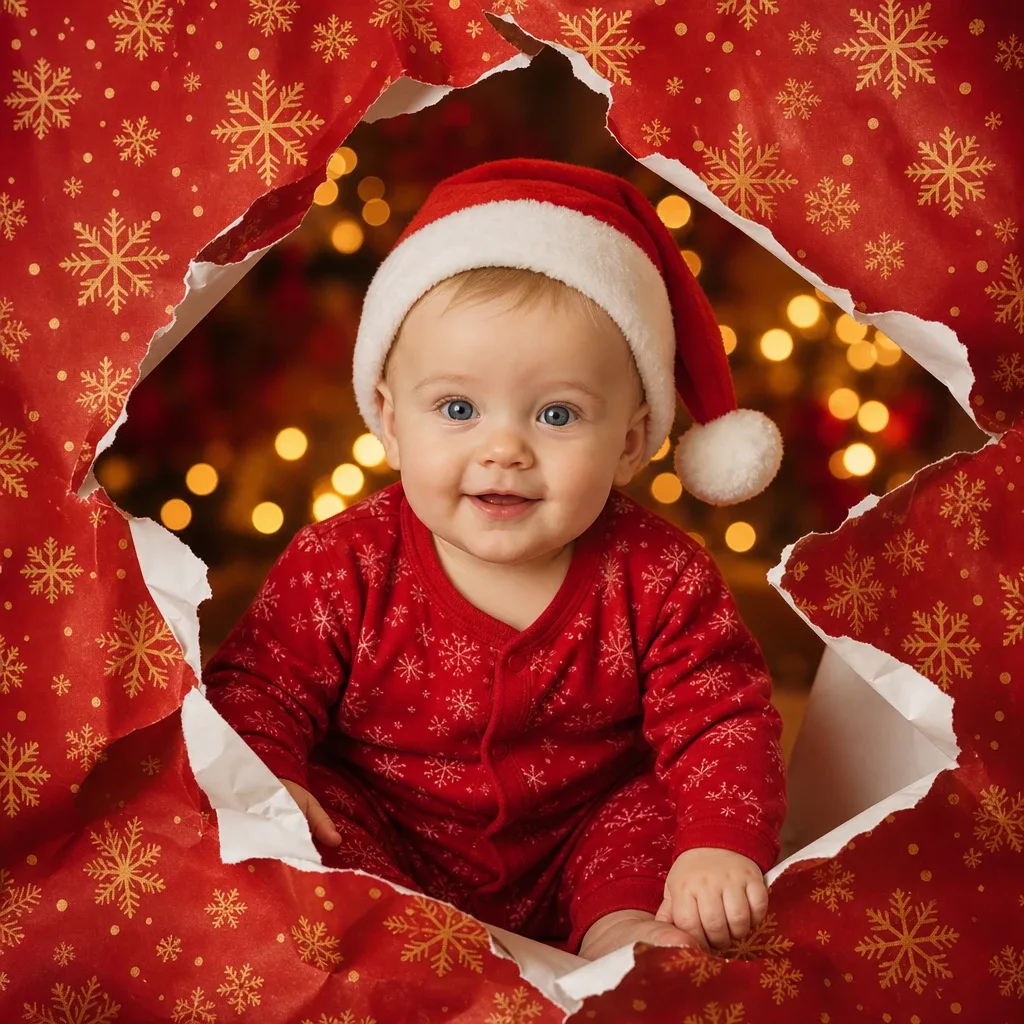
Red wrapping paper printed with gold snowflakes fills the whole frame, torn open in the middle to leave a jagged hole with curled white edges. Through the gap crawls the baby, wearing a red sleepsuit with a white snowflake pattern and a Santa hat with a fluffy white brim and pompom. One hand reaches forward over the torn edge. Behind the paper, golden lights glow out of focus against a dark background, so the face becomes the brightest point in the picture.
Holiday Peekaboo treats your baby as the present being unwrapped. That makes it a favourite for the front of a card with a line such as "our best gift this year". It suits a first Christmas announcement, a surprise message to relatives, or a cover image for a December photo book.
- Good for
- First Christmas announcements and surprise greetings
- The photo to use
- Pick a photo where your baby looks straight into the lens with bright, open eyes, because the face fills much of this frame. Sharp focus matters more than the background. Leave hats off; the Santa hat is added.


The first photo is free. Plans available in the app.
How to make this photo
Step 1
Upload one photo
Open the app and add one clear photo of your baby’s face.
Step 2
Choose Holiday Peekaboo
Find it in the Christmas category and tap it.
Step 3
Save your portrait
It is ready in about 30 seconds. Download it and share it.