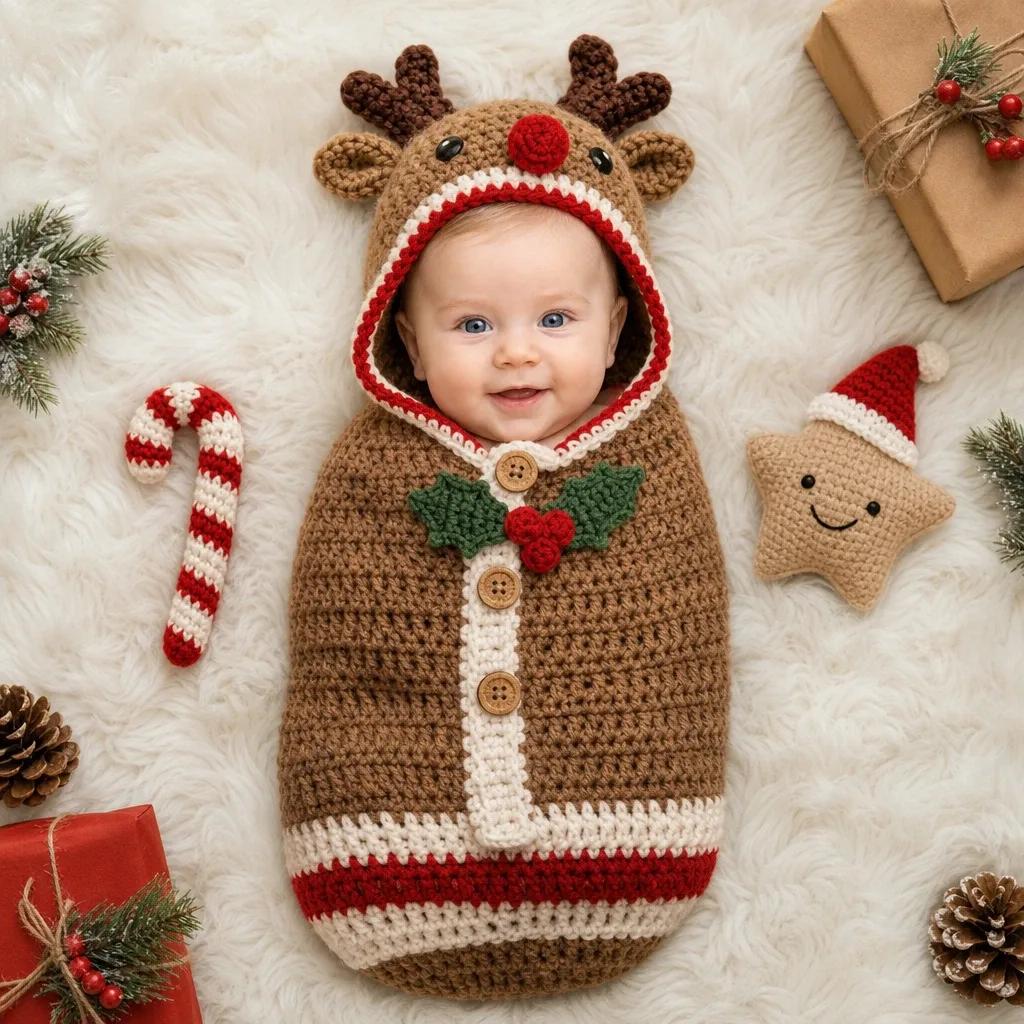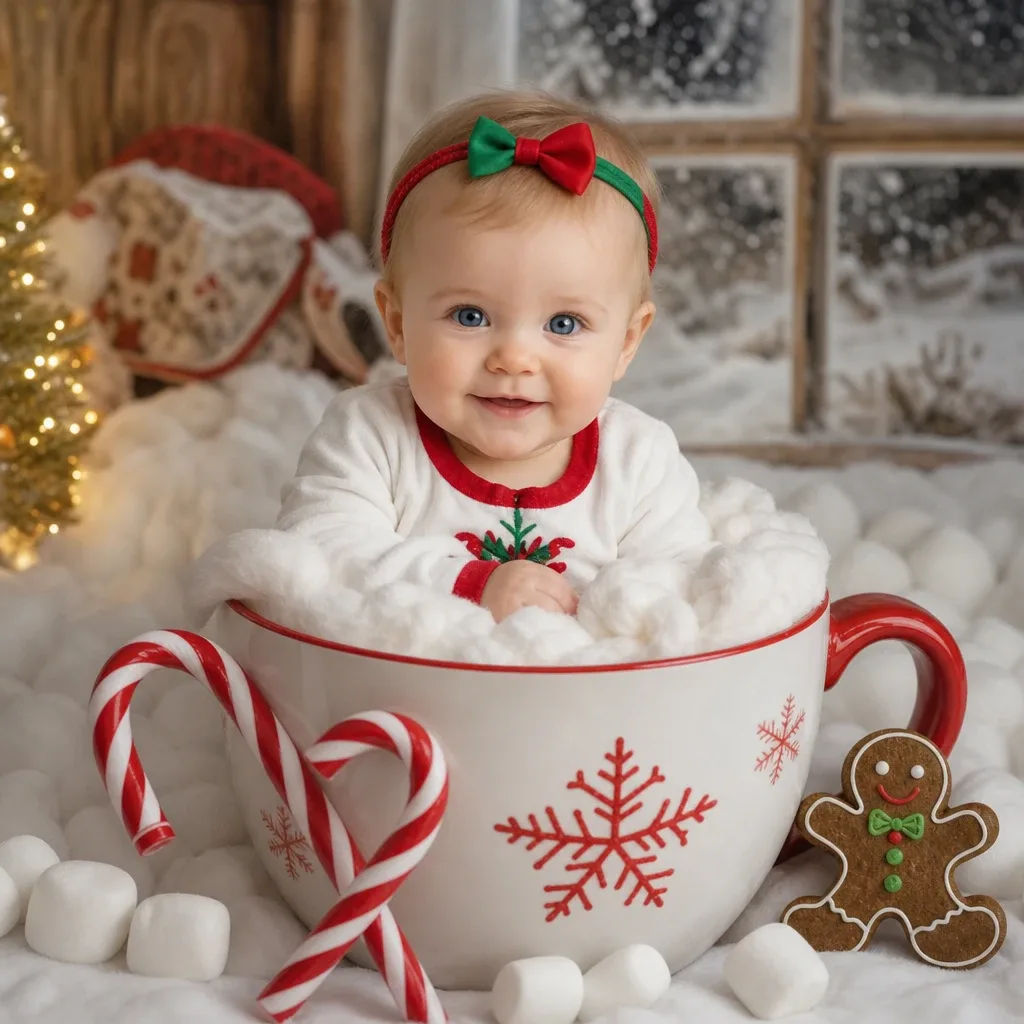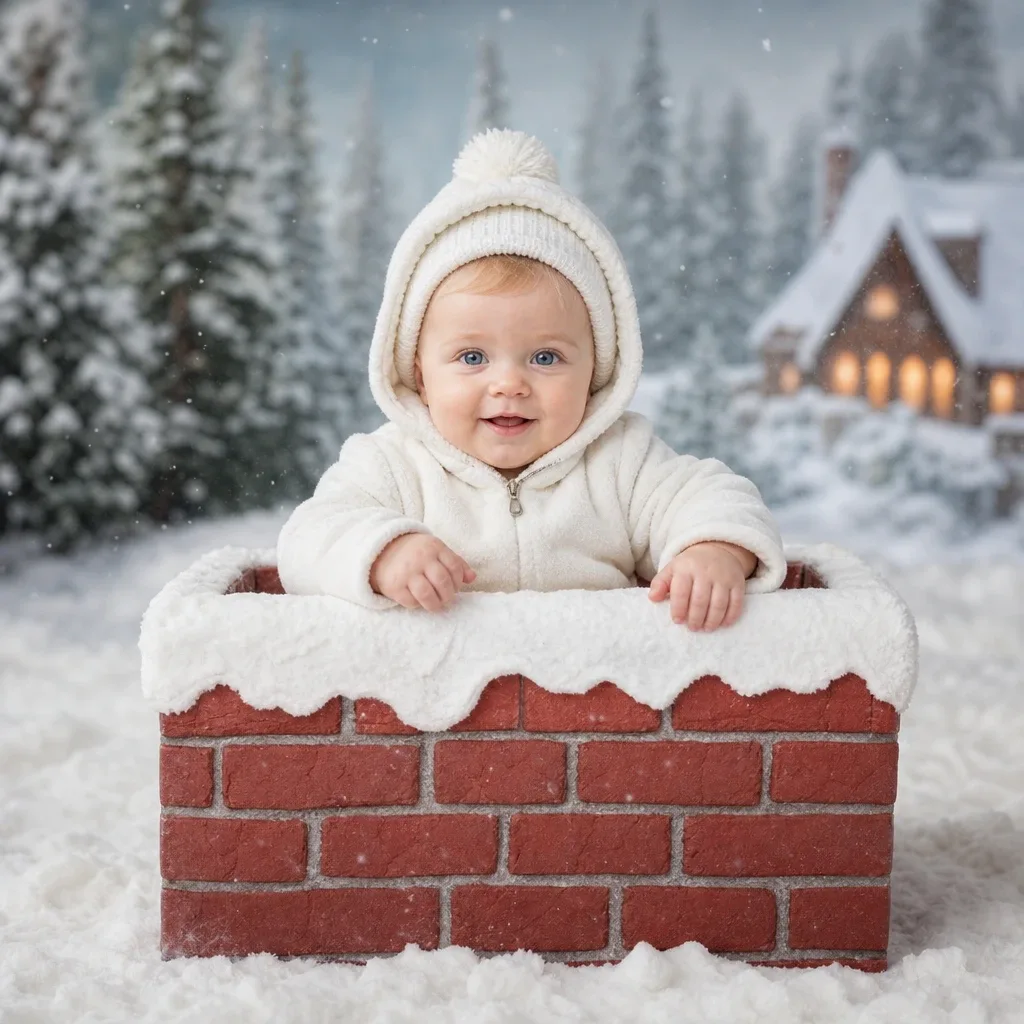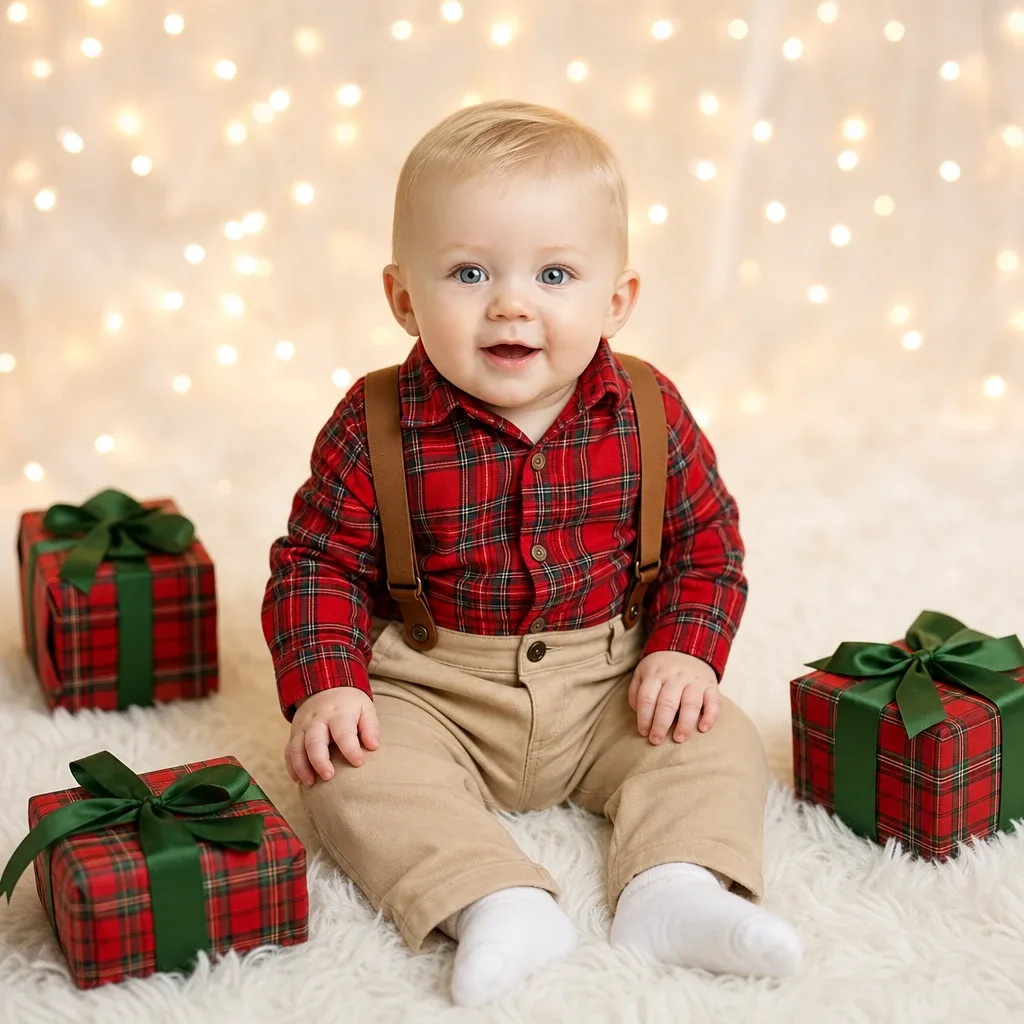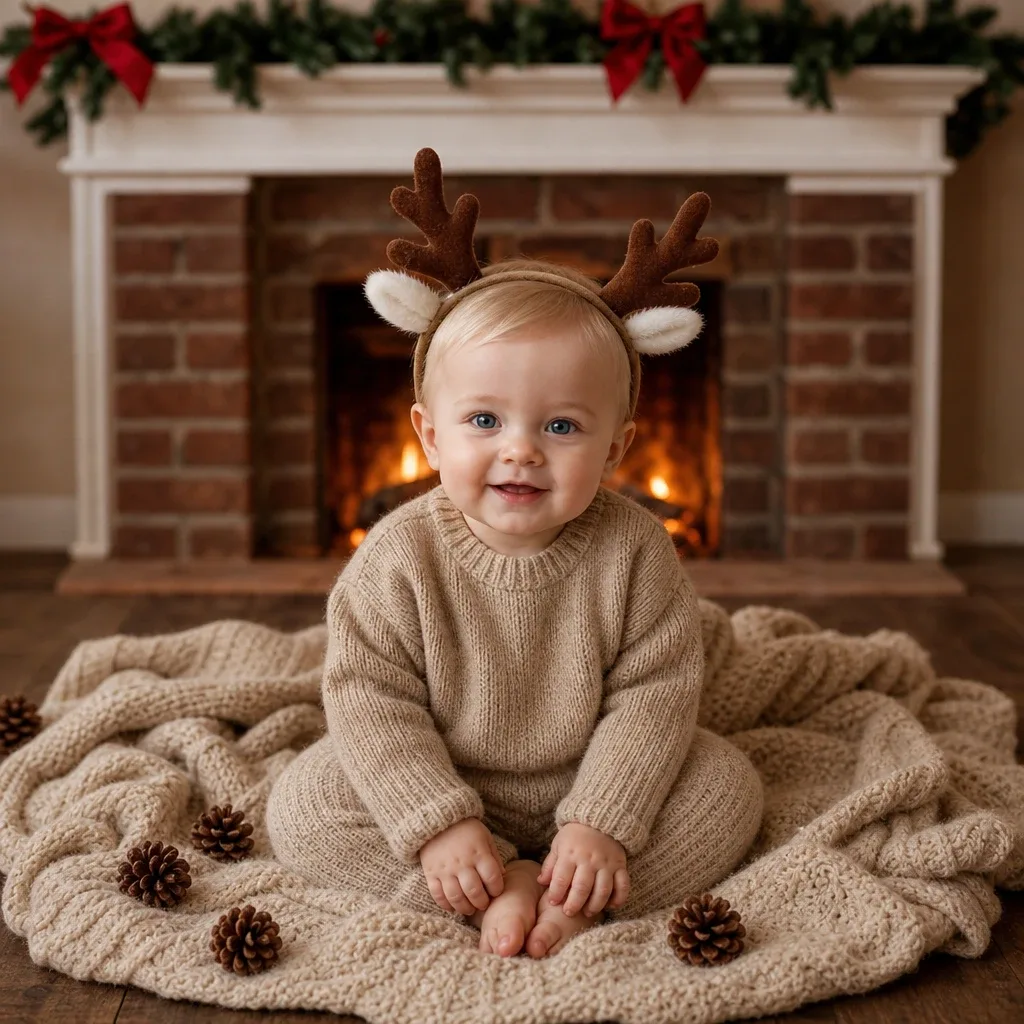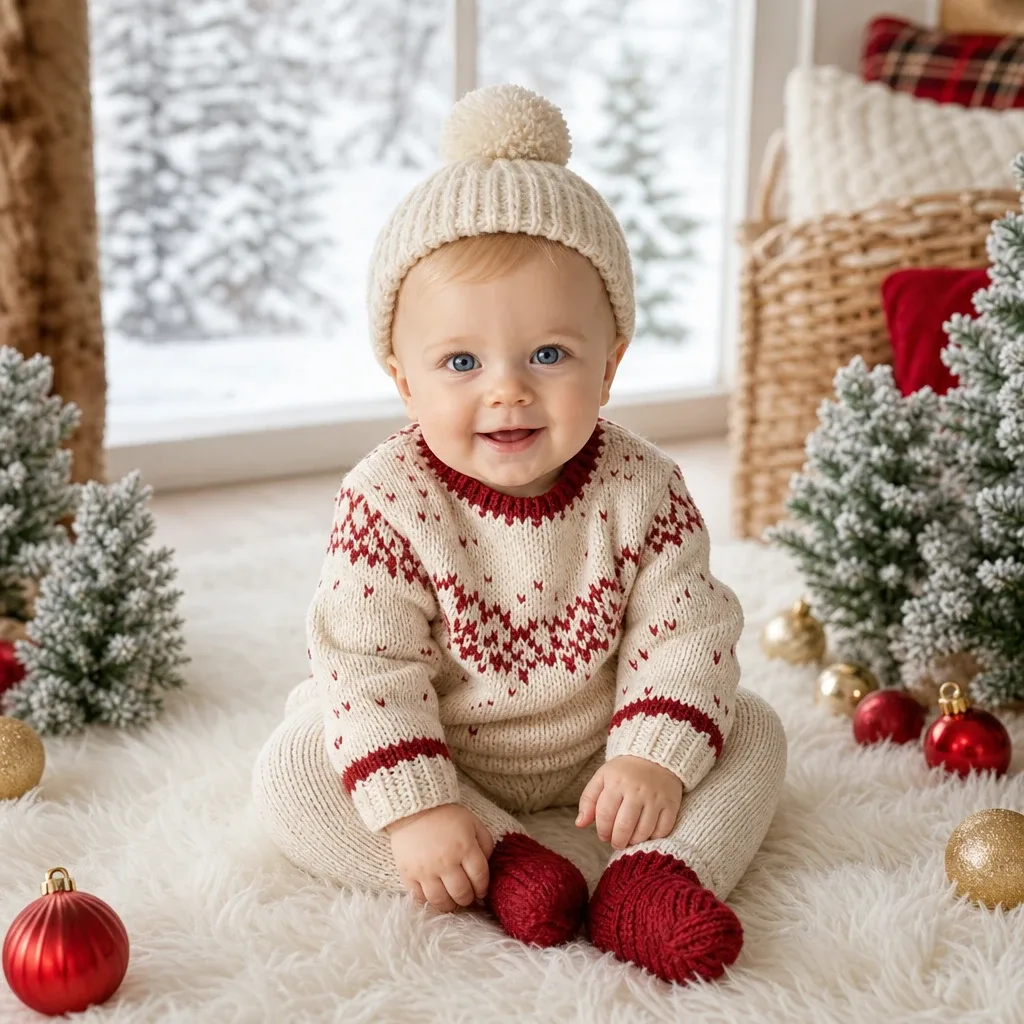
Sample result. Images are AI-generated from the photo you upload.
Christmas theme
Winter Wonderland baby photoshoot
Dressed in a cream Fair Isle jumper with a red zigzag yoke, matching knitted trousers, chunky red booties and a cream bobble hat, the baby sits on a thick white fur rug. Small frosted fir trees stand on both sides, with red and gold baubles scattered between them. A wicker basket behind holds a red cushion and a tartan one. Through the large window at the back, snow-covered trees fill the view, and soft daylight comes in across the floor.
Winter Wonderland feels like a snowy afternoon spent indoors in warm woollens. Families in places that never see snow often like it for exactly that reason. Use it for the family Christmas greeting, a first Christmas album page, or a December message to grandparents. The cream and red knitwear also looks neat as a square print for the tree.
- Good for
- Snowy Christmas greetings for the family group
- The photo to use
- Use one sharp photo of your baby's face looking straight at the camera, taken near a window in daylight. Keep the forehead clear of caps or hair clips, because the bobble hat sits low on the head.


The first photo is free. Plans available in the app.
How to make this photo
Step 1
Upload one photo
Open the app and add one clear photo of your baby’s face.
Step 2
Choose Winter Wonderland
Find it in the Christmas category and tap it.
Step 3
Save your portrait
It is ready in about 30 seconds. Download it and share it.